DAMAGED PRINT → RESTORED · FREE TO TRY
Old Photo Restoration AI
Bring damaged family photos back. Upload a scan or phone photo of the print and the restorer removes scratches, creases, dust and stains, repairs torn edges, recovers faded contrast and sharpens faces — while keeping every person exactly who they are. Flip on Colorize for black-and-white prints.
IN SHORT
What does AI old photo restoration do?
AI old photo restoration takes a scan or phone photo of a damaged print and rebuilds it as a clean photograph: scratches, creases, dust specks, stains and torn corners are removed and the areas underneath are repaired, faded contrast and color casts are corrected, and soft faces, hair and fabric are sharpened. Unlike a beauty filter, a restorer is judged on faithfulness — the people, expressions, clothing and framing stay exactly as they were. Realistic AI runs a locked restoration recipe with two quality tiers and an optional colorize mode for black-and-white and sepia prints.
NEGATIVE → PRINT
Damaged print in, clean photograph out
Real outputs from this tool: the same damaged scans before and after the restore recipe, faces untouched.
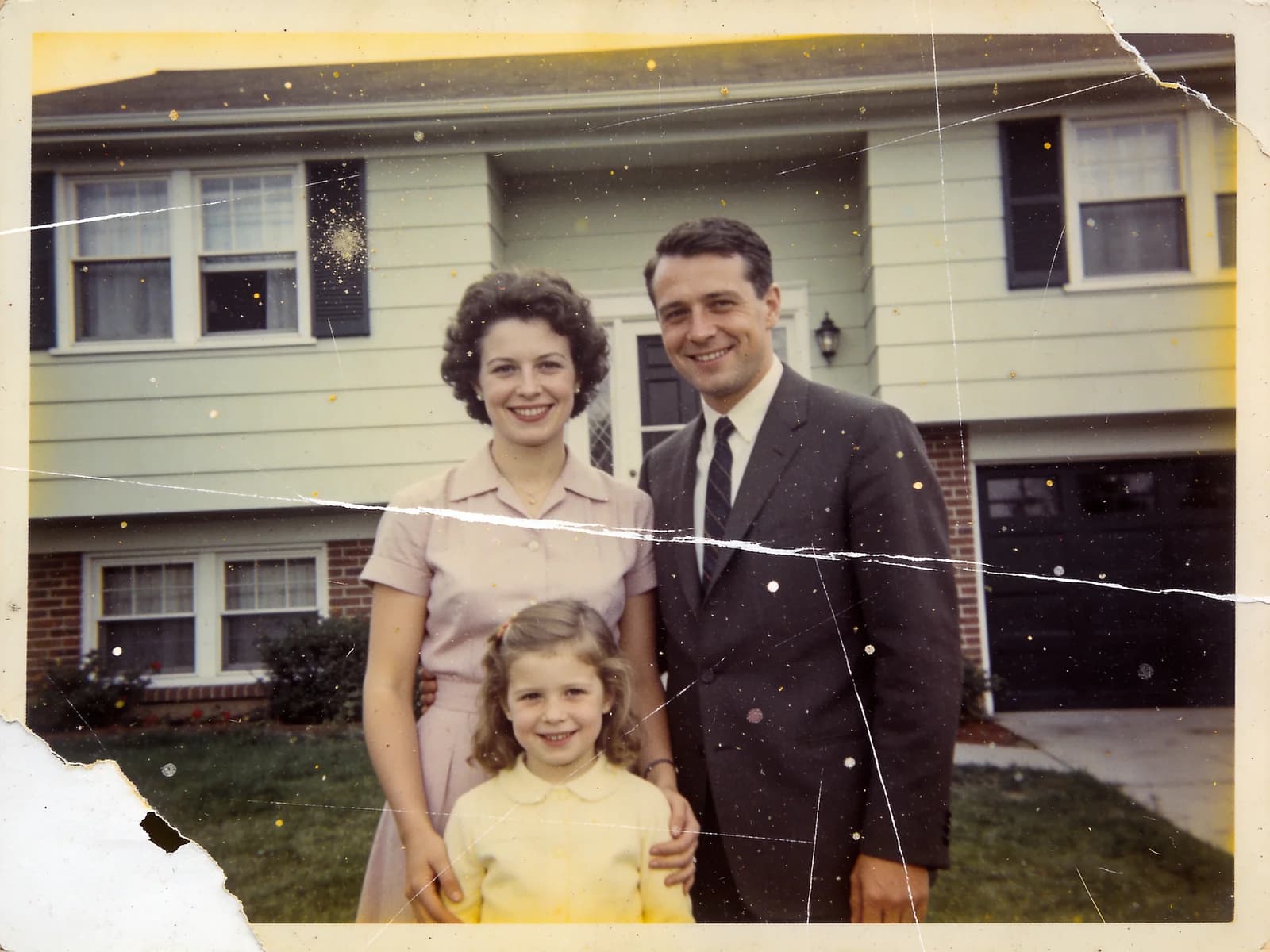 Before
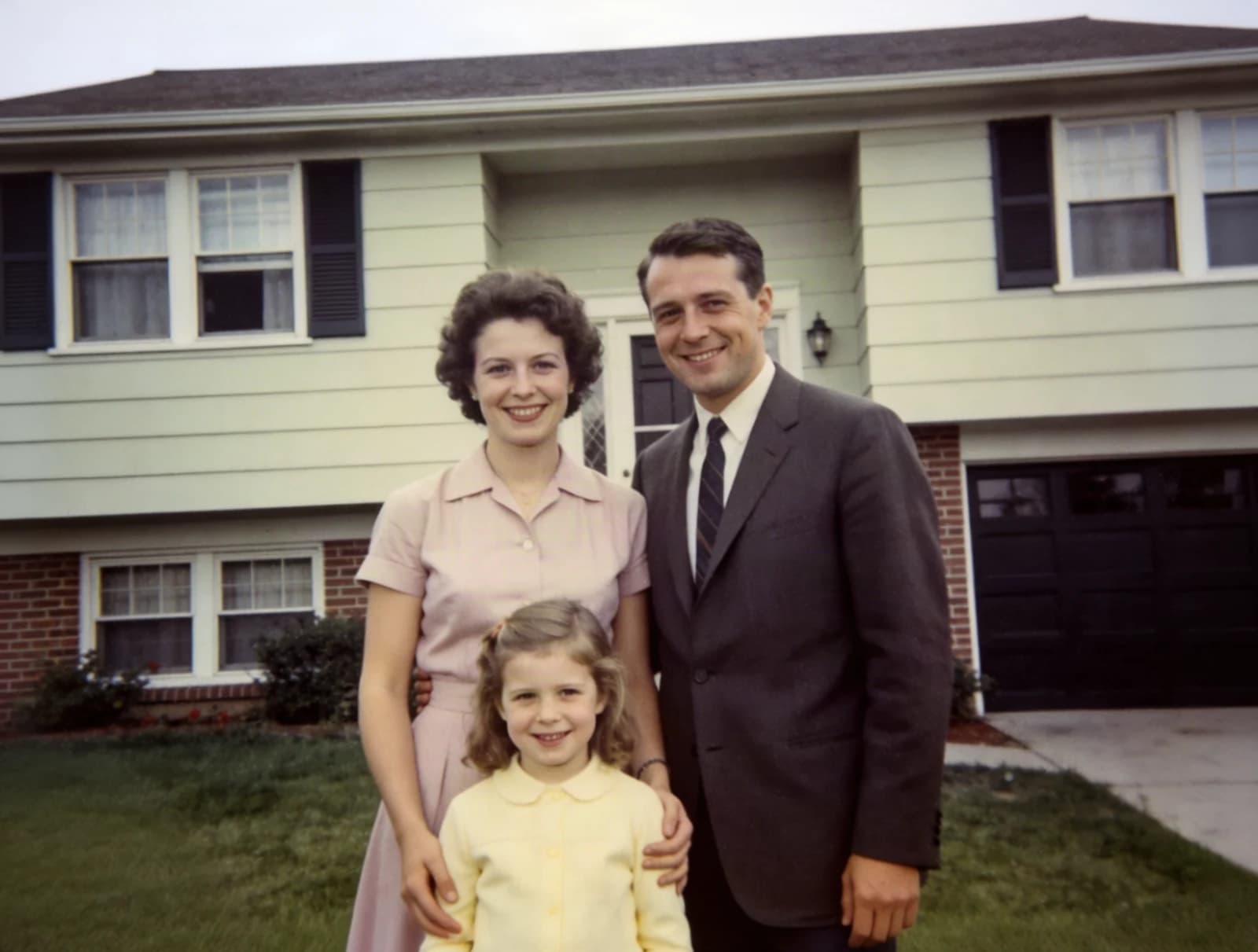 After
After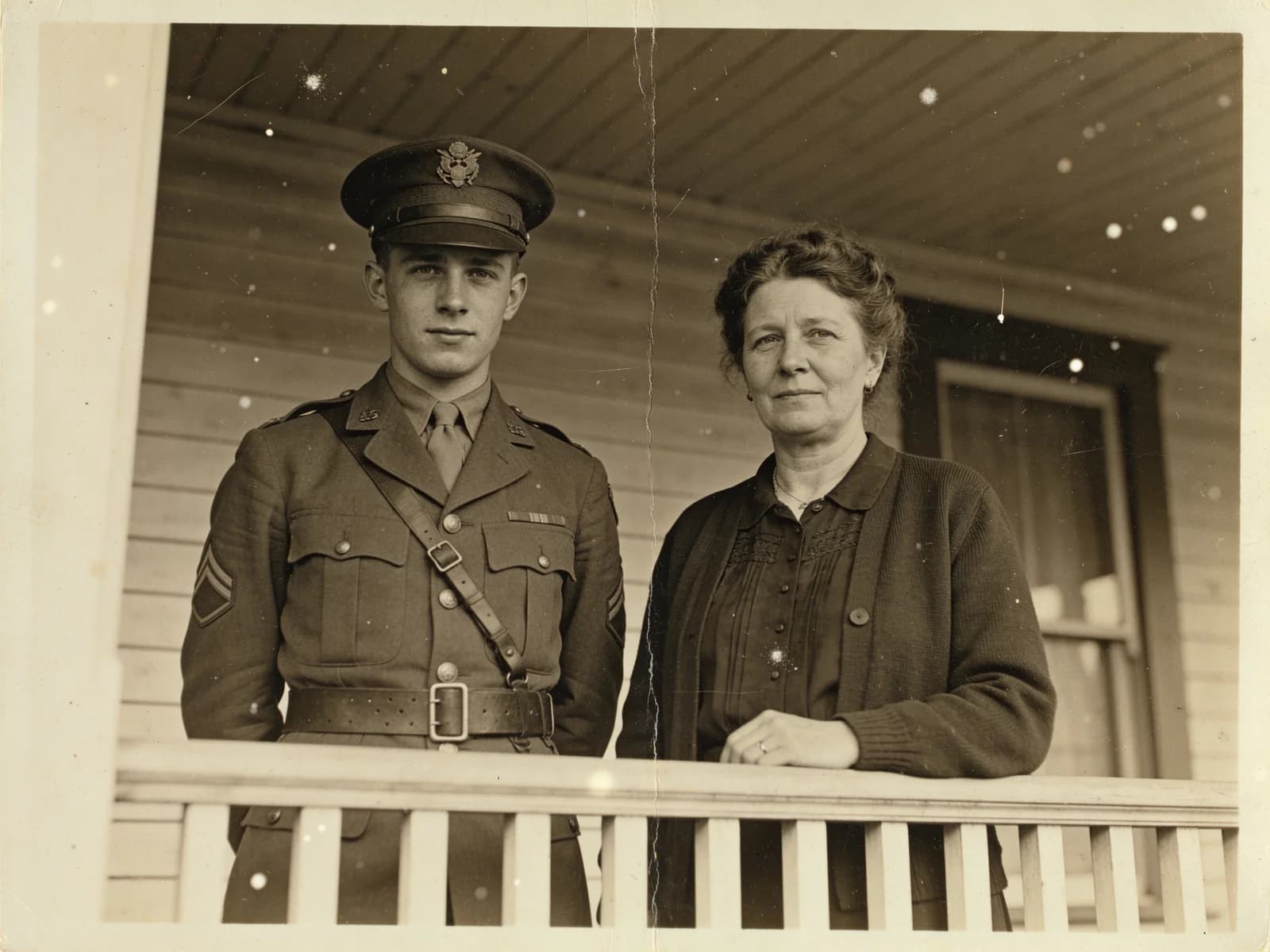 Before
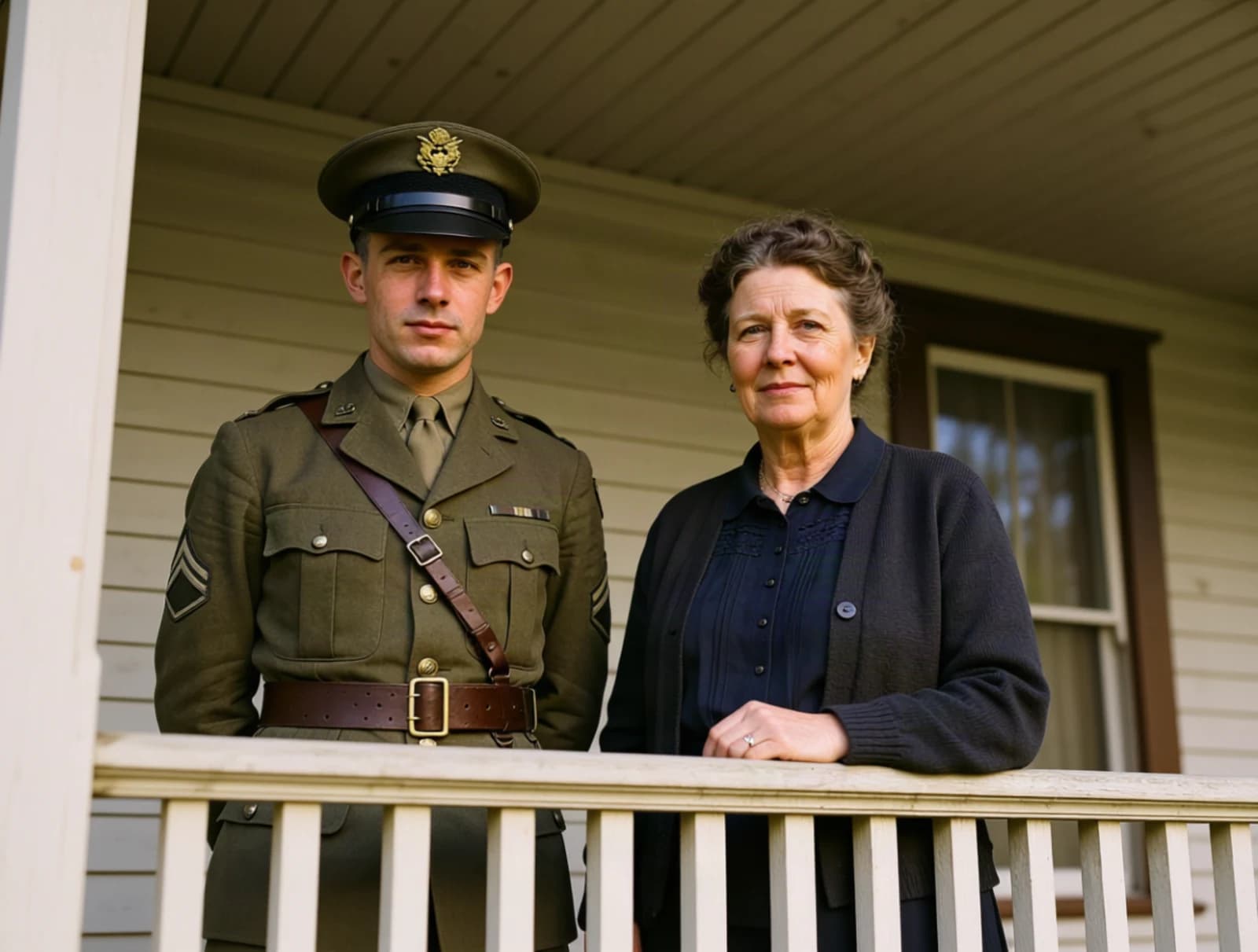 After
AfterSPEC SHEET
Two quality tiers
Both tiers run the same locked recipe. Pro uses a stronger engine and renders at 1.5K for prints and enlargements.
| TIER | BEST FOR | OUTPUT | PRICE | TIME |
|---|---|---|---|---|
| Standard | Everyday scans, sharing, quick fixes of scratches and fading | Same size as the scan (up to ~1MP) | 12 credits | ~20 s |
| Pro | Heirloom prints, heavy damage, reprints and enlargements | 1.5K (about 1800 px on the long edge) | 18 credits | ~60 s |
Colorize is free on both tiers. Failed jobs are refunded automatically.
CONTACT SHEET · USE CASES
What people restore
Family albums, archive scans and prints that only exist as a phone photo.
Family photos from a shoebox
Creased, scratched and yellowed prints from the 50s to the 90s. The restorer repairs the physical damage and lifts the fading while keeping grandparents looking like themselves.
Colorize black-and-white portraits
Switch to Restore + Colorize and a monochrome or sepia print comes back with period-accurate, naturally muted colors — skin, hair, uniforms, sky — as if it had been shot on color film.
Reprints, frames and memorial displays
The Pro tier renders at 1.5K so a small print can be reprinted or framed larger. Send the result to the AI Image Upscaler for poster sizes.
Genealogy and archive projects
Batch through a folder of scans one by one; every result is saved to your library with its settings so you can come back, compare and re-run.
DEVELOP PROCESS
How to restore an old photo
Upload the scan
Drop in a scan or a straight-on phone photo of the print — JPG, PNG or WebP. Higher-resolution scans give the restorer more to work with.
Pick the mode and quality
Restore keeps the original tones; Restore + Colorize adds natural color to black-and-white prints. Standard for everyday scans, Pro for heirlooms and reprints.
Develop and download
Standard finishes in about 20 seconds, Pro in about a minute. Compare with the original on the page, then download the full-resolution result.
Old Photo Restoration FAQ
OTHER STATIONS
Explore More AI Tools

Restore your first photo free
New accounts get free credits — enough to restore several scans on the Standard tier. Credits are refunded automatically if a restoration fails.
Scratches, creases & fading • Optional colorize • Faces stay untouched