ONE SELFIE → HOLIDAY PHOTOS · NO PROMPT
AI Christmas Photos
Upload one clear selfie, pick a Christmas template and get two realistic holiday photos of yourself — by the tree, at the fireplace or out in the snow. No prompt to write, no photoshoot to book.
IN SHORT
What is an AI Christmas photo generator?
An AI Christmas photo generator turns an ordinary photo of you into a festive holiday photo. Here you upload one clear selfie and pick a template — a cozy tree, a fireplace, a Christmas market or a snowy street. The AI keeps your face, hair and glasses, puts you in a new outfit, pose and scene, and returns your photos in about 30 seconds so you can keep the one that looks most like you.
CONTACT SHEET · 8 TEMPLATES
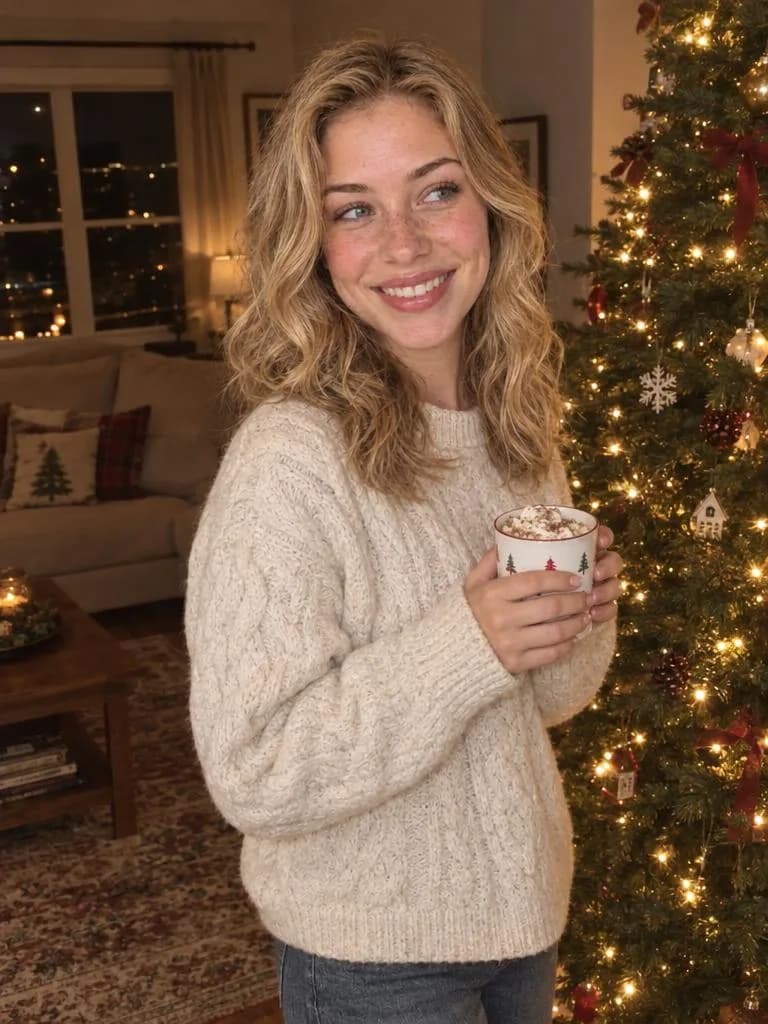
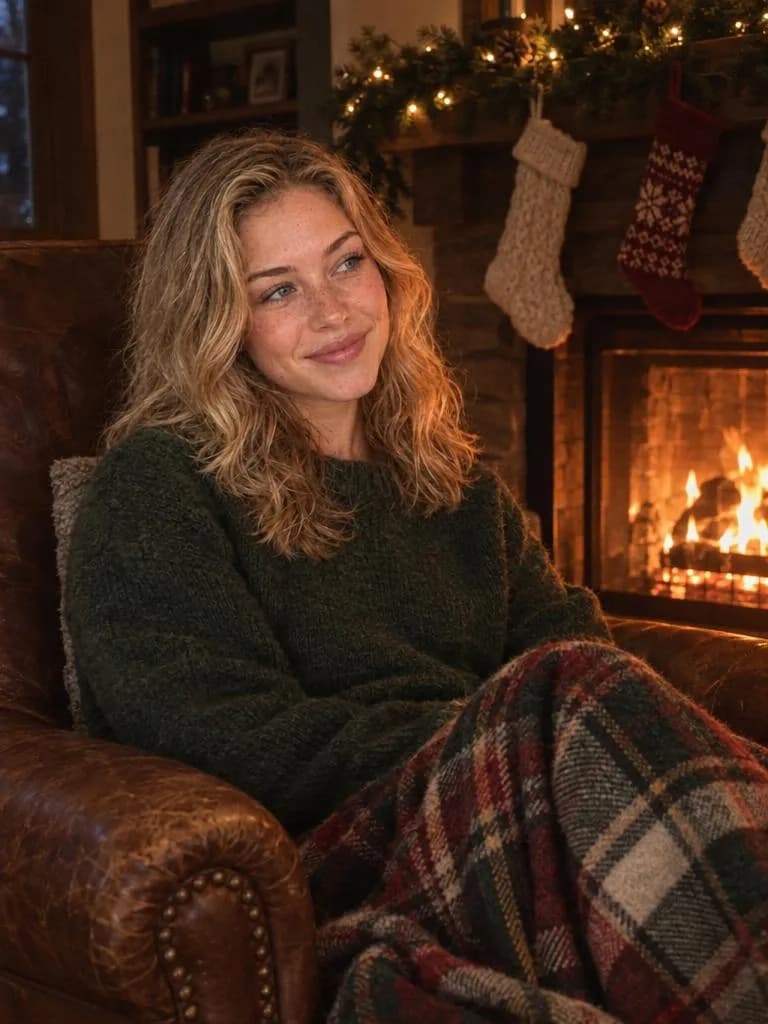
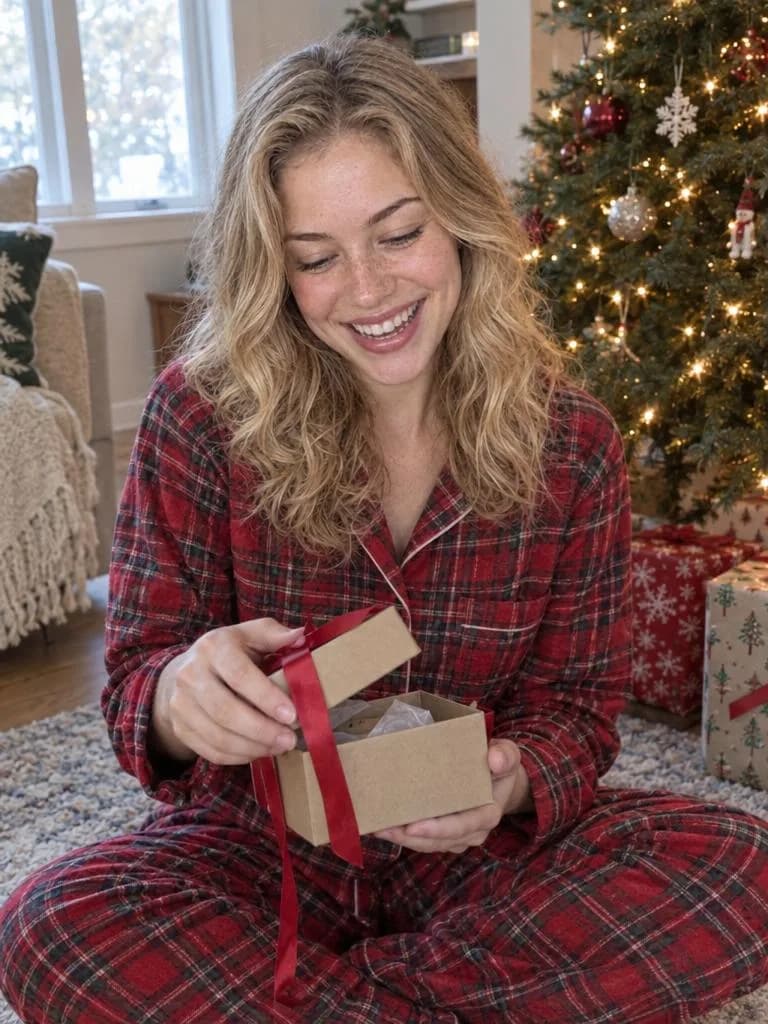
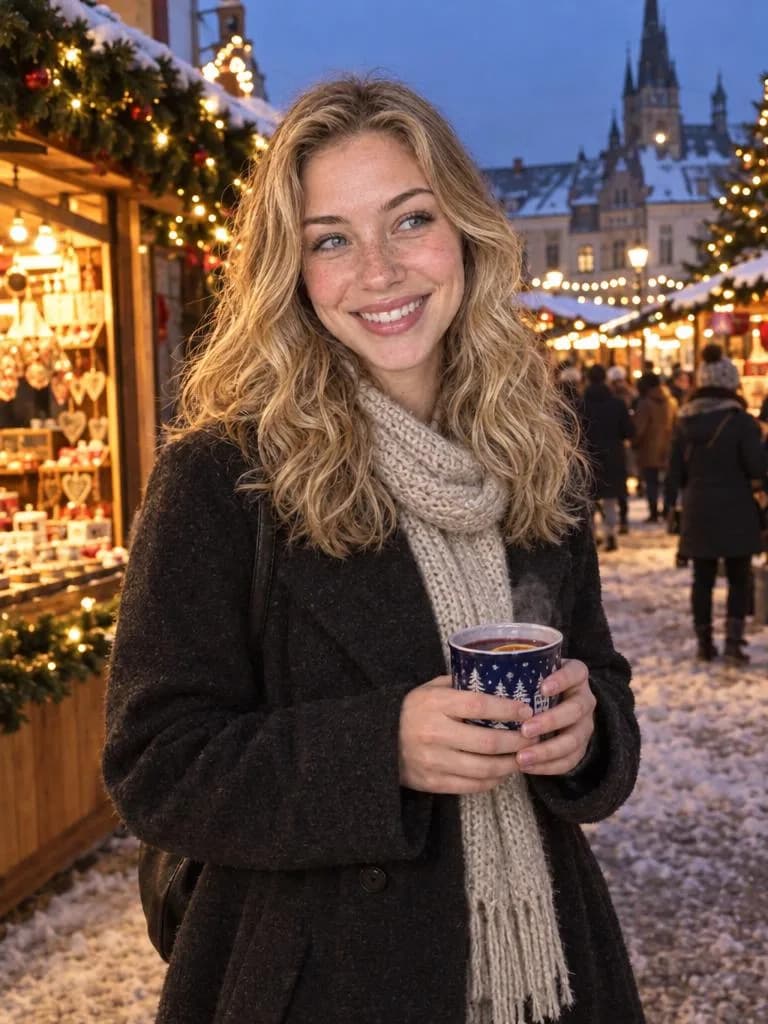
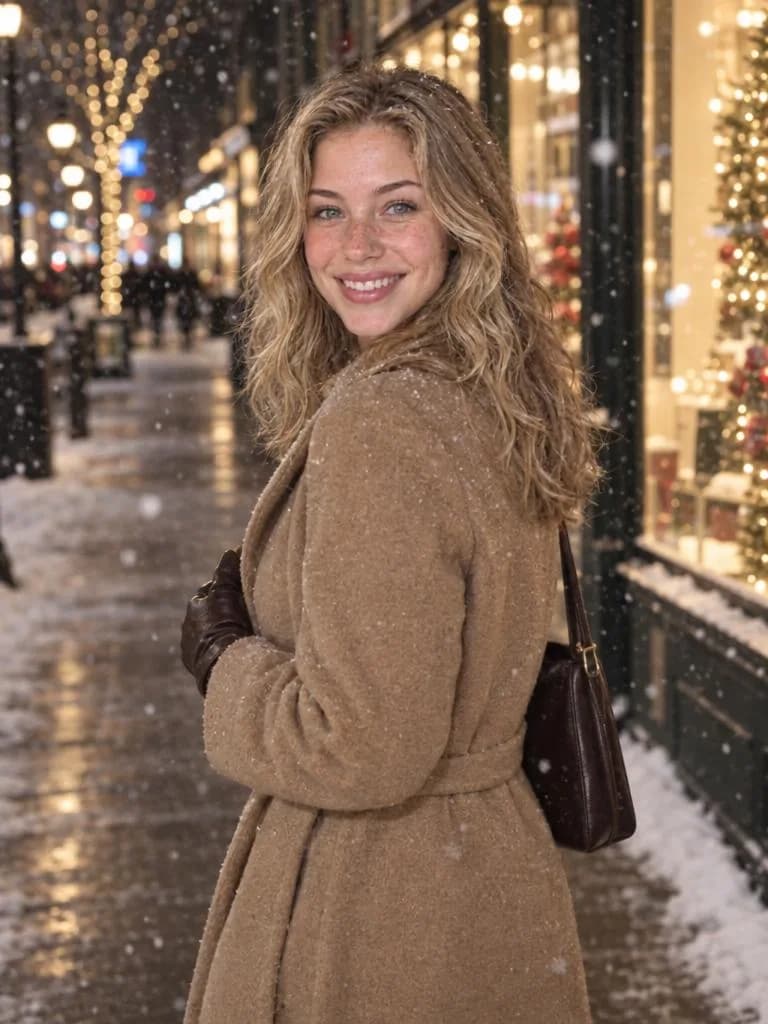
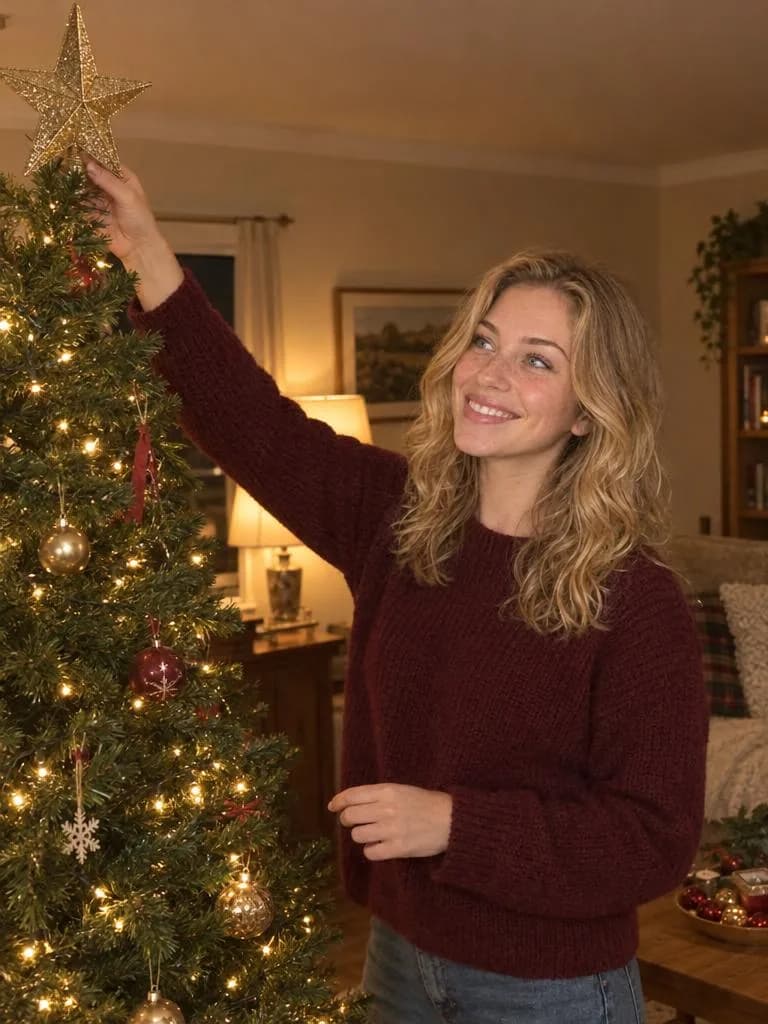
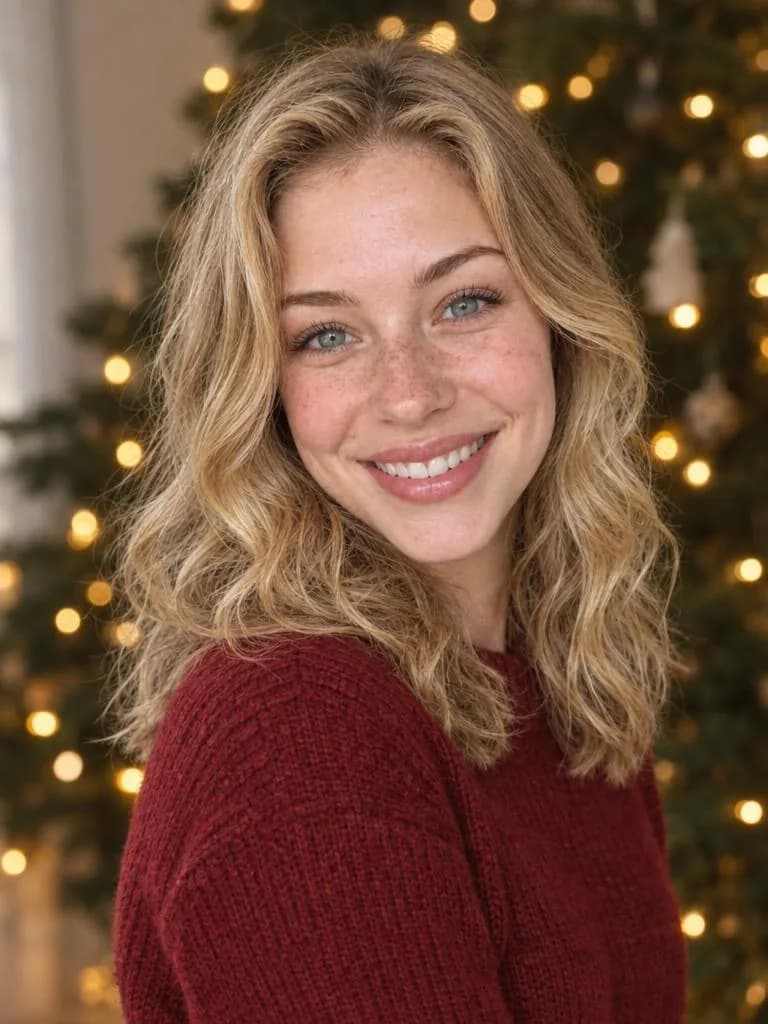
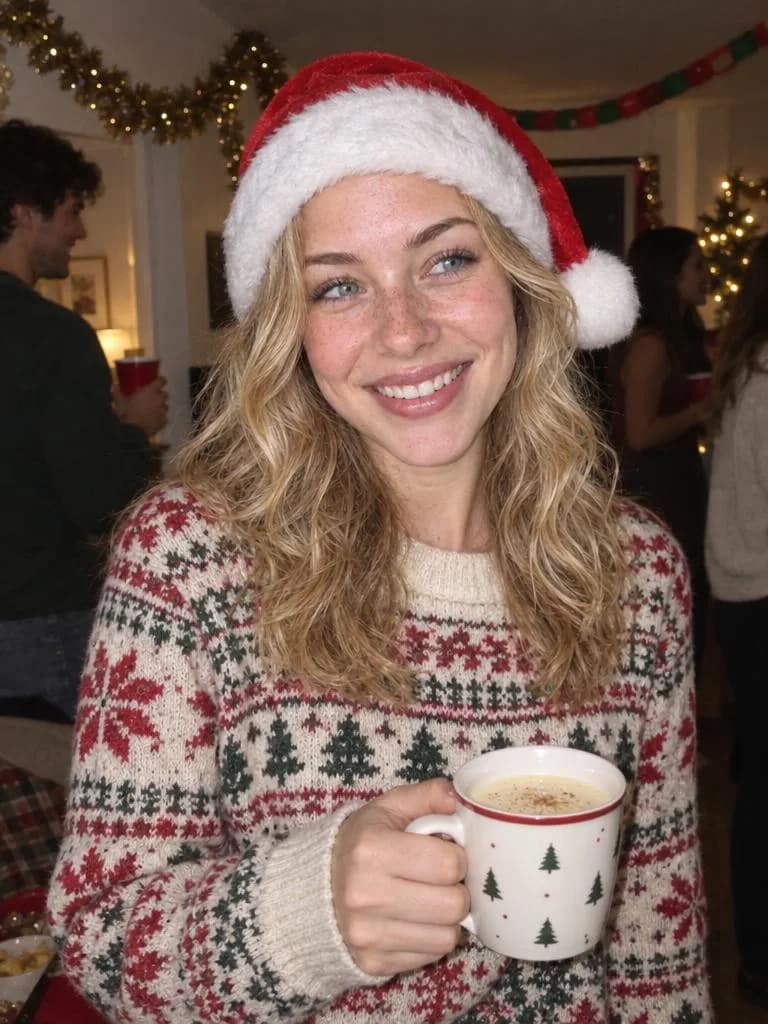
8 Christmas templates, one face
Every template below was made from the same single photo of one person, so you can compare the scenes and see the face stay consistent. The examples show an AI-generated person, not a real customer.
SPEC SHEET
What you get
Each run turns one photo into holiday photos from the template you pick.
| ITEM | DETAIL |
|---|---|
| Input | One photo of one adult, JPG, PNG or WebP up to 5 MB |
| Output | 3:4 portrait, about 1K — Best Likeness gives 2 photos per run, Quick gives 1 |
| Price | Best Likeness: 48 credits per run (2 photos). Quick: 10 credits per photo |
| Time | About 15–30 seconds |
| Free | New accounts get 50 free credits — one Best Likeness run or five Quick photos |
Failed jobs are refunded automatically.
CONTACT SHEET · USE CASES
What people make
Holiday photos for the places you share them, without setting up a tree, lights or a tripod.
Christmas cards
Use the Card Portrait template for a classic smiling photo, then add it to any card or print service.
Profile pictures
A festive profile photo for Instagram, Facebook, LinkedIn or the team chat in December.
Holiday posts and stories
Market, snow and fireplace scenes for posts when you didn't get a good photo this year.
Gifts and greetings
Send a holiday photo to family far away, or use one for a calendar or photo book.
DEVELOP PROCESS
How to make AI Christmas photos
Upload one clear selfie
Use a photo of only you, facing the camera with your head level and good light. Avoid sunglasses, heavy filters and group photos.
Pick a template
Choose a scene such as By the Tree, Fireplace or Snowy Street. Optionally add details like a red scarf or no snow.
Create and download
Your photos arrive in about 30 seconds. Download the one that looks most like you, or run the template again.
AI Christmas Photos FAQ
OTHER STATIONS
Explore More AI Tools
 SELFIE → PHOTOSHOOT
AI Photoshoot
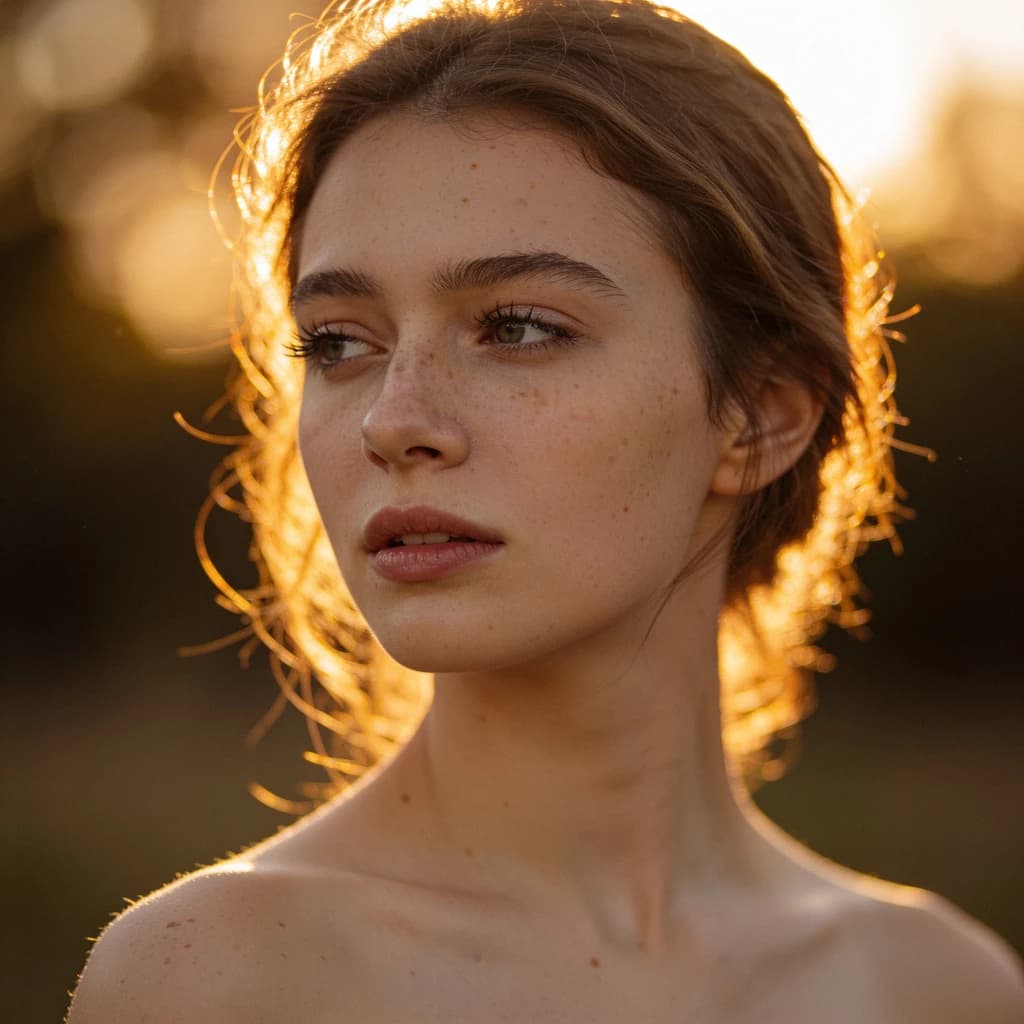
Upload one selfie, pick a style — headshot, dating, studio or golden hour — and get realistic photos of you. No prompt needed.
 GENERATE
AI Image Generator
Text to image and image to image with Seedream 5, Flux 2, GPT Image and more.
 RESTORE
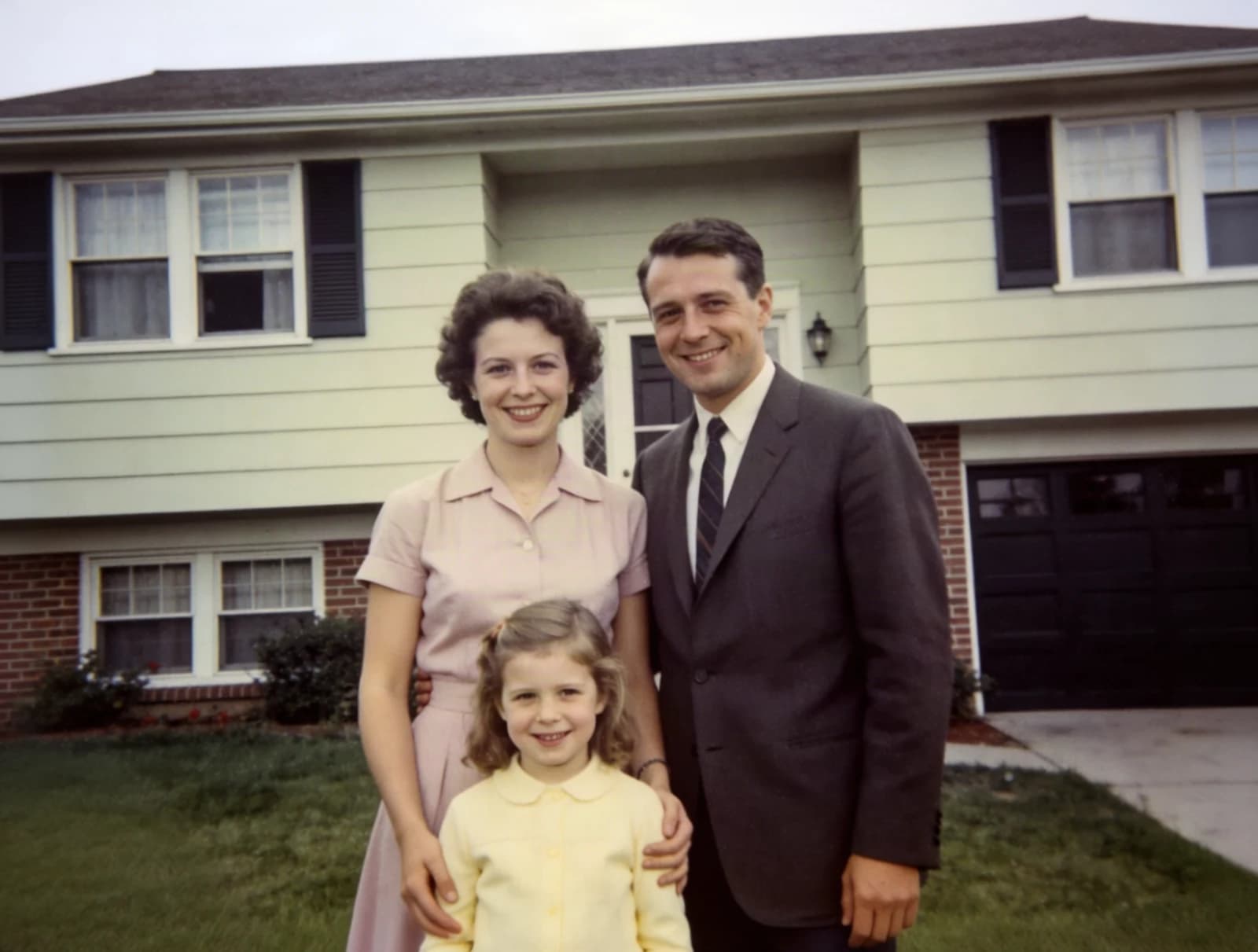
Old Photo Restoration AI
Repair scratched, creased and faded prints while keeping every face exactly as it was — optional colorize for B&W.
Make your first Christmas photo free
New accounts get 50 free credits — enough for one Best Likeness run or five Quick photos.
One selfie • 8 templates • No prompt needed