FREE TOOL · 3 QUALITY TIERS · UP TO 8X
AI Image Upscaler
Enlarge any image up to 8x without losing quality. Upload a photo or pick one of your creations, choose a quality tier and scale, and the AI re-develops it at higher resolution — recovering edges, textures, faces and text instead of just stretching pixels.
IN SHORT
What does an AI image upscaler do?
An AI image upscaler increases the resolution of a picture by predicting the missing pixels instead of duplicating existing ones. A 1000×1000 photo upscaled 4x becomes 4000×4000 with new edge, skin and texture detail generated by the model, so the result looks sharp when printed or zoomed. Realistic AI offers three quality tiers: Standard for fast 4x enlargements, Pro for up to 8x at the lowest price per megapixel, and Premium for blurry, compressed or scanned old photos where the AI has to rebuild detail that is no longer in the file.
NEGATIVE → PRINT
Low-res negative in, 4K print out
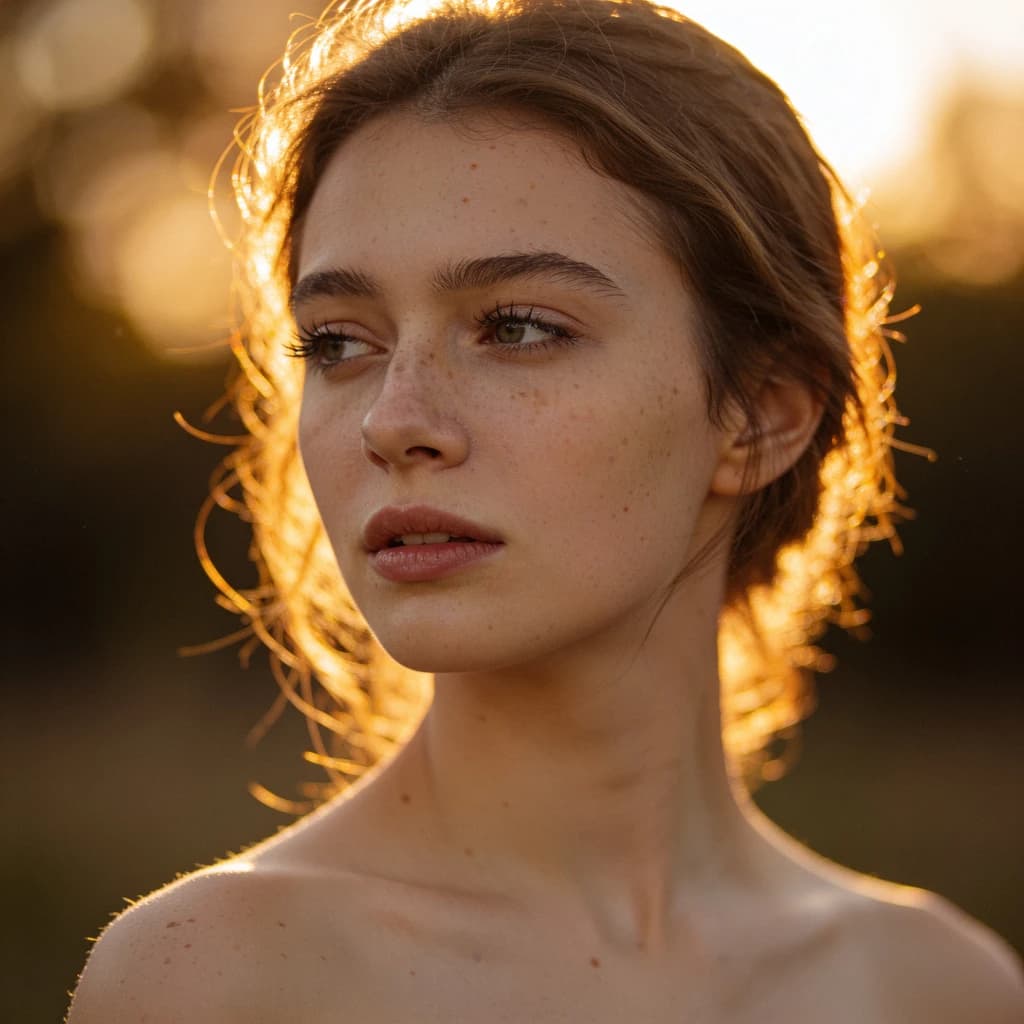
Real upscales, straight from the darkroom — compare edge detail, skin texture and noise in the before and after frames.
 Before
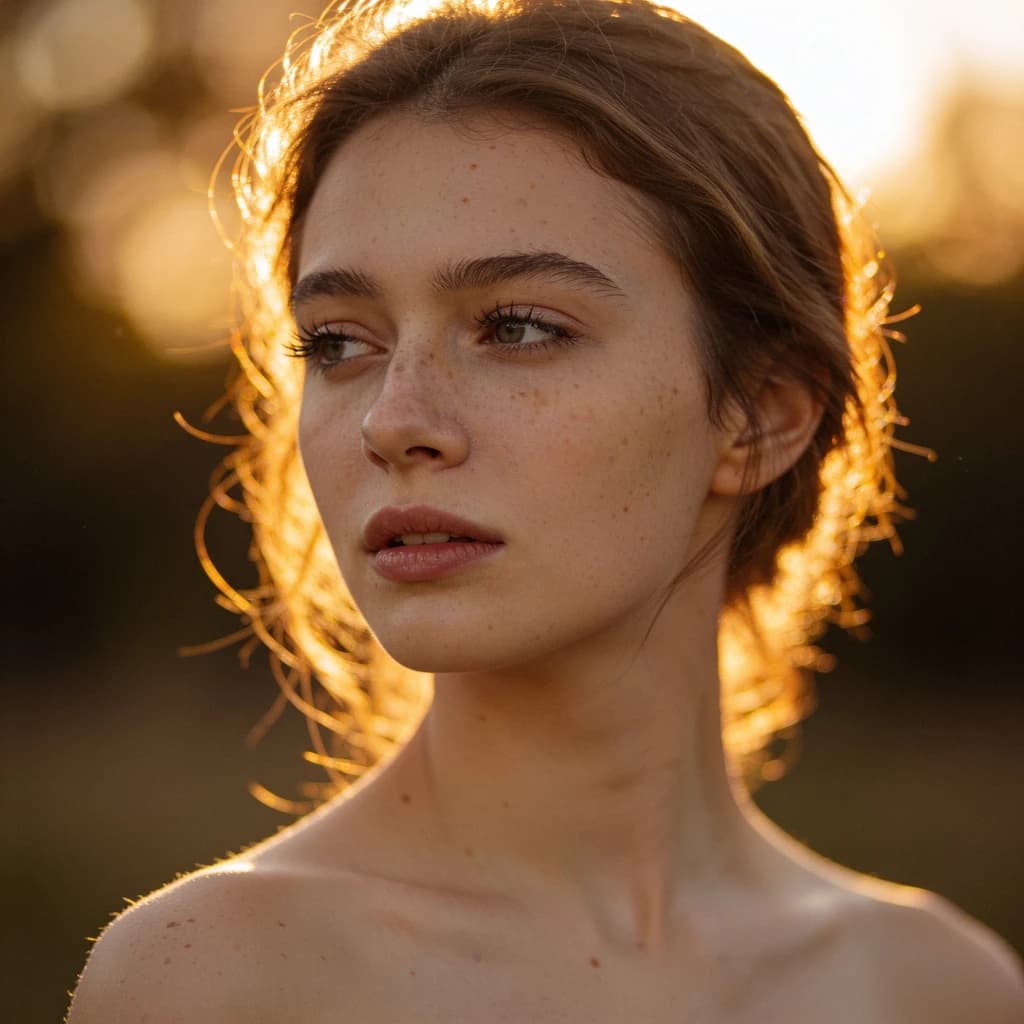 After
After Before
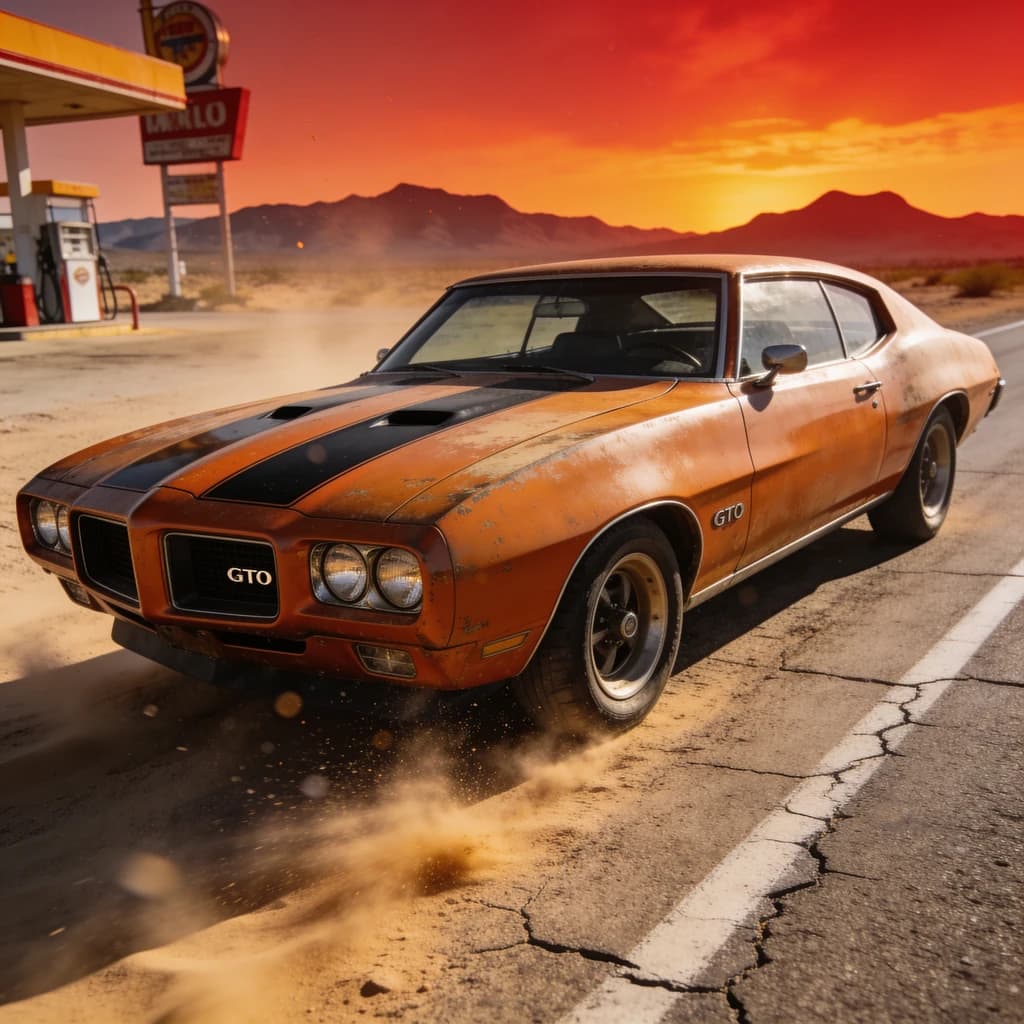 After
AfterSPEC SHEET
Three quality tiers, one upscaler
Pick the tier that matches the source. The exact credit cost shows on the button before you start, and failed jobs are refunded automatically.
| TIER | BEST FOR | SCALE | PRICE | MAX OUTPUT |
|---|---|---|---|---|
| Standard | Quick 4x enlargements for web, social and slides | 4x auto | 2 credits flat | 128 MP |
| Pro | Large prints, posters and 8x enlargements of clean sources | 2x · 4x · 8x | 1 credit / MP (min 8) | 128 MP |
| Premium | Blurry, compressed or scanned old photos that need rebuilt detail | 2x · 4x | 8 credits / MP (min 48) | 32 MP |
MP = megapixels of the output image. A 1000×1000 source at 4x is 16 MP.
CONTACT SHEET · USE CASES
What people upscale in the darkroom
From AI art that needs to survive a print run to family scans that never had the pixels in the first place.
Make AI-generated images print-ready
Generated images usually come out around 1 megapixel. Upscale them 4x for posters, canvas prints and marketplace listings without visible pixels — pick any image from your creation history with one click.
Restore old and blurry photos
The Premium tier rebuilds detail that is not in the file: scanned family photos, compressed downloads and screenshots come back with sharp faces, readable text and natural grain.
Enlarge product and e-commerce photos
Turn a small supplier image into a zoomable product shot. Pro keeps edges and labels crisp at 4x or 8x so listings pass marketplace resolution requirements.
Crop, then upscale for social
Cropped a small region out of a bigger frame? Upscale the crop back to a full-resolution image for Instagram, YouTube thumbnails and profile pictures.
DEVELOP PROCESS
How to upscale an image with AI
Upload or pick an image
Drop in a JPG, PNG or WebP up to 30MB — an old scan, a small logo, a compressed download — or pick any image you have already generated on this site.
Choose quality and scale
Standard for quick 4x enlargements, Pro for up to 8x, Premium when the AI should reconstruct fine detail. The exact credit cost updates as you switch.
Develop and download
Most jobs finish in 10–40 seconds. Preview the result on the page, download the full-resolution file, and find it again in your library with its settings.
AI Image Upscaler FAQ
OTHER STATIONS
Explore More AI Tools
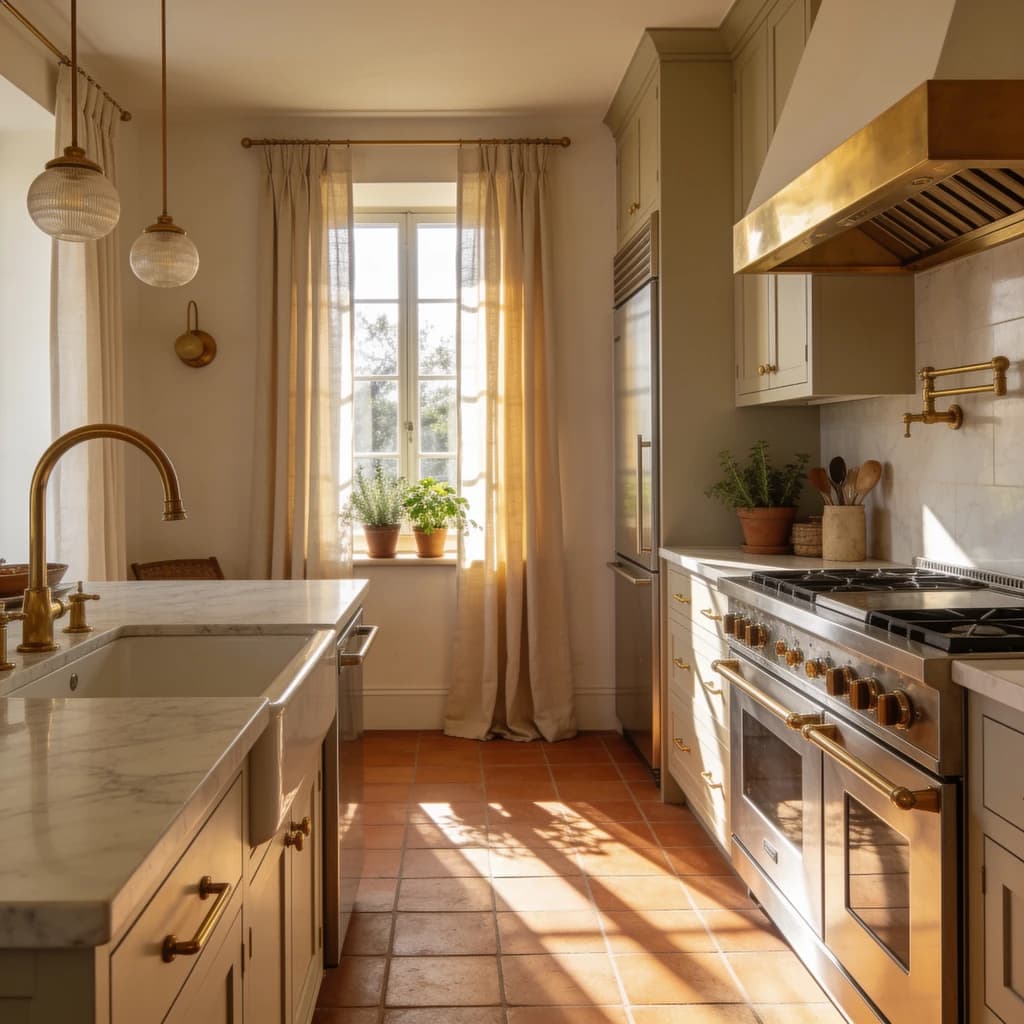

Upscale your first image free
New accounts get free credits — enough to try the Standard tier on several images. Credits are refunded automatically if an upscale fails.
3 quality tiers • Up to 8x • Auto refund on failure