AI → REAL · LOCKED RECIPE
AI Image Humanizer
Strip the AI look from any generated image. The humanizer re-develops your picture with real skin texture, uneven natural light and subtle grain — same subject, believable photo.
IN SHORT
What is an AI image humanizer?
An AI image humanizer takes a picture that looks AI-generated — glossy skin, perfect symmetry, studio-clean light, that tell-tale plastic sheen — and re-develops it so it reads as a real photo. Realistic AI does this with a locked recipe: it adds skin pores and texture, film-like grain, natural imperfections and believable light while keeping the face, pose and composition of the original. Upload an image, pick Standard or Pro, and the humanized version is ready in about 20 seconds — no prompt writing needed.
NEGATIVE → PRINT
The AI look, developed away
Real humanizer outputs — the glossy AI render goes in, a photograph you'd believe comes out. Same face, same framing.
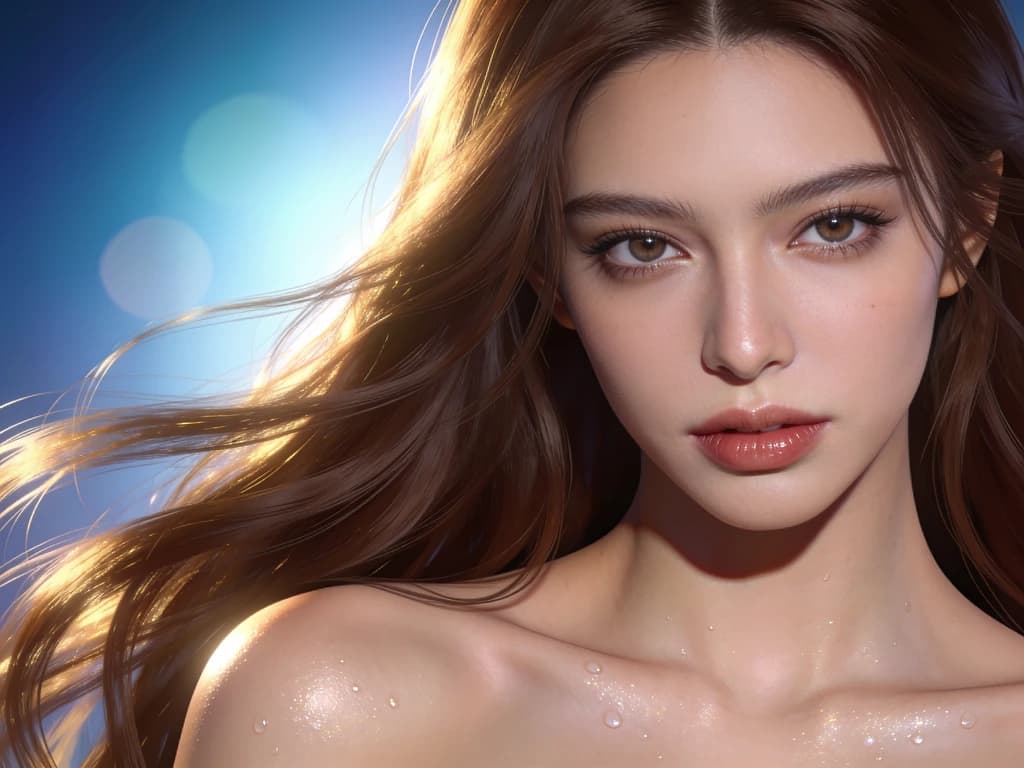 Before
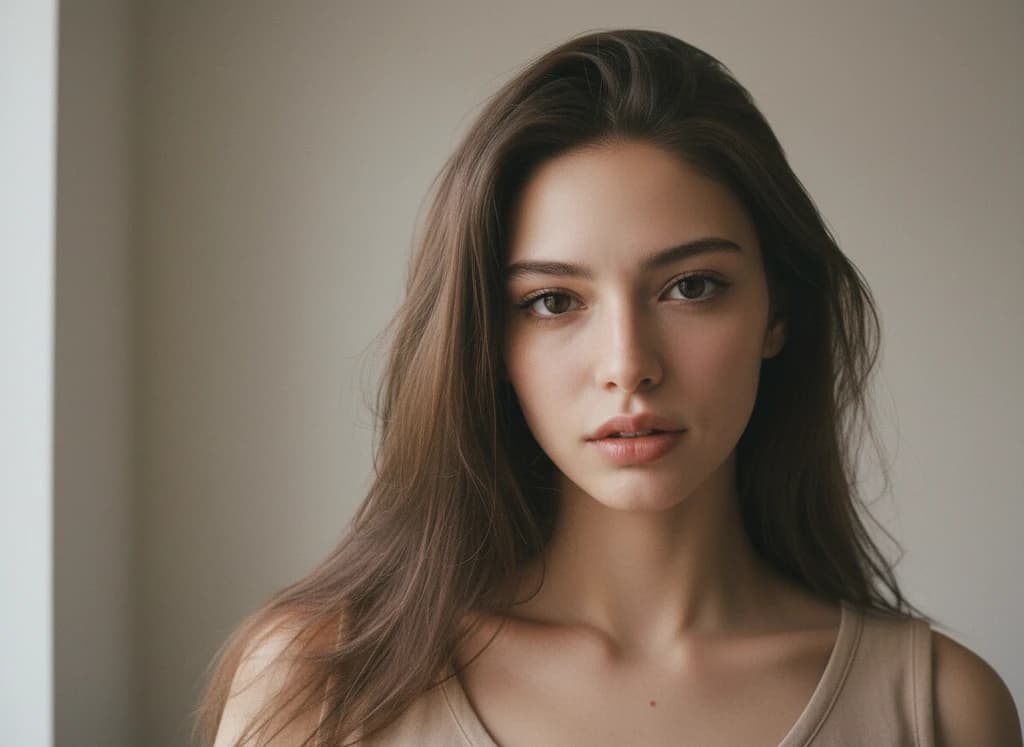 After
After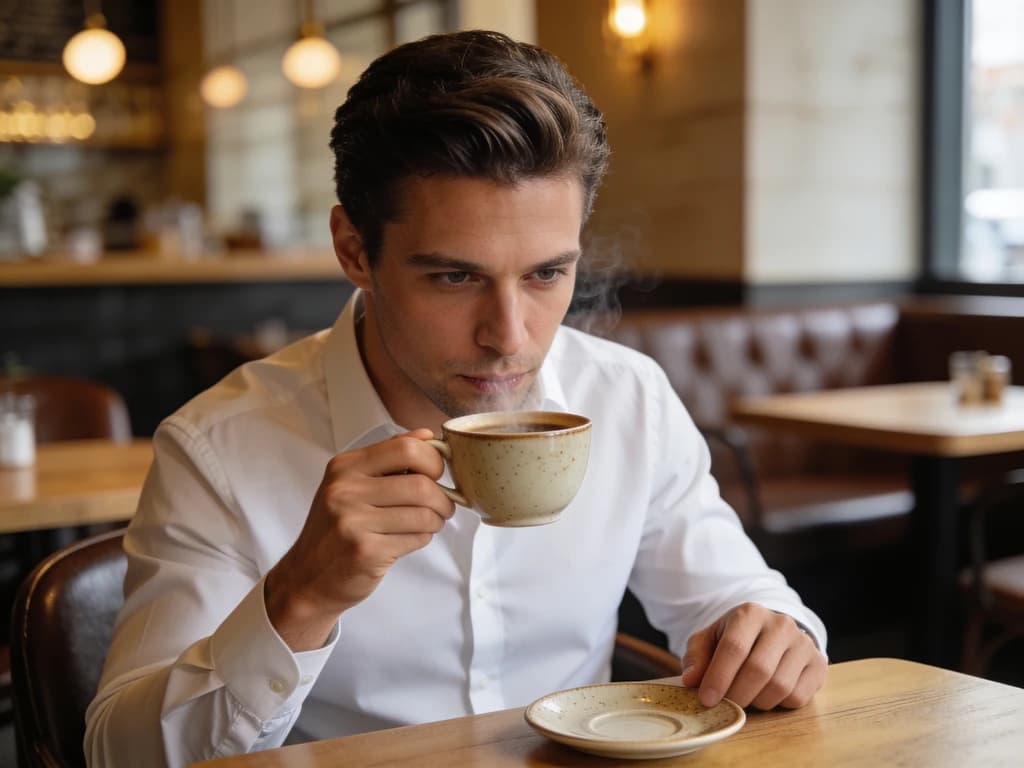 Before
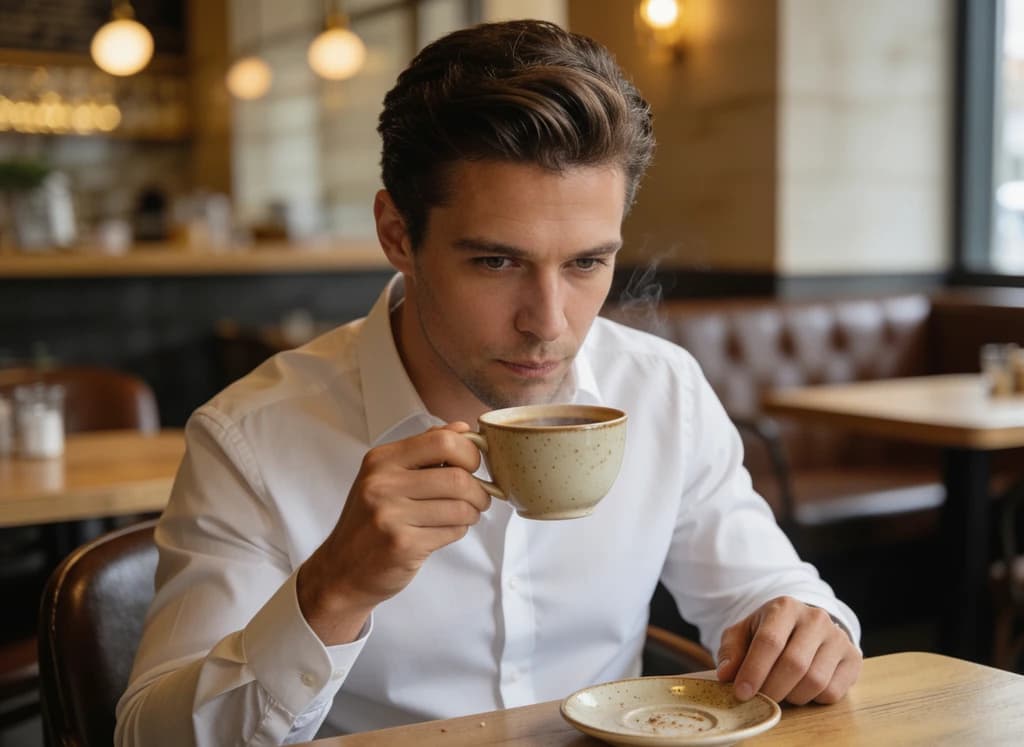 After
AfterCONTACT SHEET · USE CASES
When to humanize an AI image
Any time a generated picture has to sit next to real photos — profiles, listings, ads, thumbnails — the AI look is what gives it away.
Make AI portraits look like real photos
Headshots, avatars and character renders from Midjourney, Flux or GPT Image come out too smooth. Humanizing restores pores, stray hairs and natural skin tone so the portrait passes as a candid photo.
Product and lifestyle shots for stores and ads
AI product scenes often look like 3D renders. The recipe adds real-world lighting, subtle grain and material texture so listings and ad creatives feel photographed, not rendered.
Fix the “AI look” on social content
Thumbnails, Instagram posts and dating-profile photos with that plastic finish get scrolled past. Run them through the humanizer before posting to make them read as real.
Second pass for cartoon and render conversions
Already converted a drawing or CG character with Cartoon to Realistic AI? Humanize the output for a final layer of photographic realism, then upscale for print.
DEVELOP PROCESS
How to humanize an AI image
Upload your AI image
Drop in any AI-generated picture — Midjourney, DALL·E, Flux or ours. JPG, PNG and WebP supported.
The humanizer re-develops it
A locked realism recipe adds pores, natural light and sensor grain while stripping the airbrushed gloss. No sliders, no prompt engineering — extra instructions are optional.
Download the believable photo
Compare the before and after, then download a picture that reads as a real photograph — ready for profiles, listings and posts.
AI Image Humanizer Questions
OTHER STATIONS
Explore More AI Tools
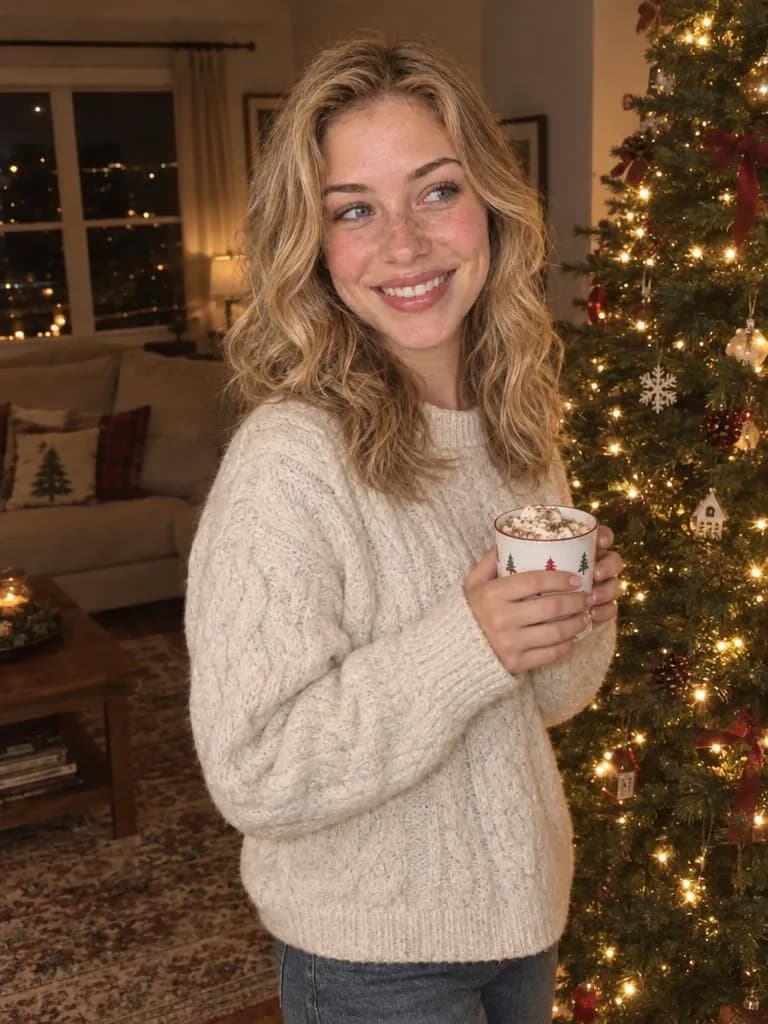 SELFIE → HOLIDAY
AI Christmas Photos
Upload one selfie, pick a Christmas template and get two realistic holiday photos of you — no prompt needed.
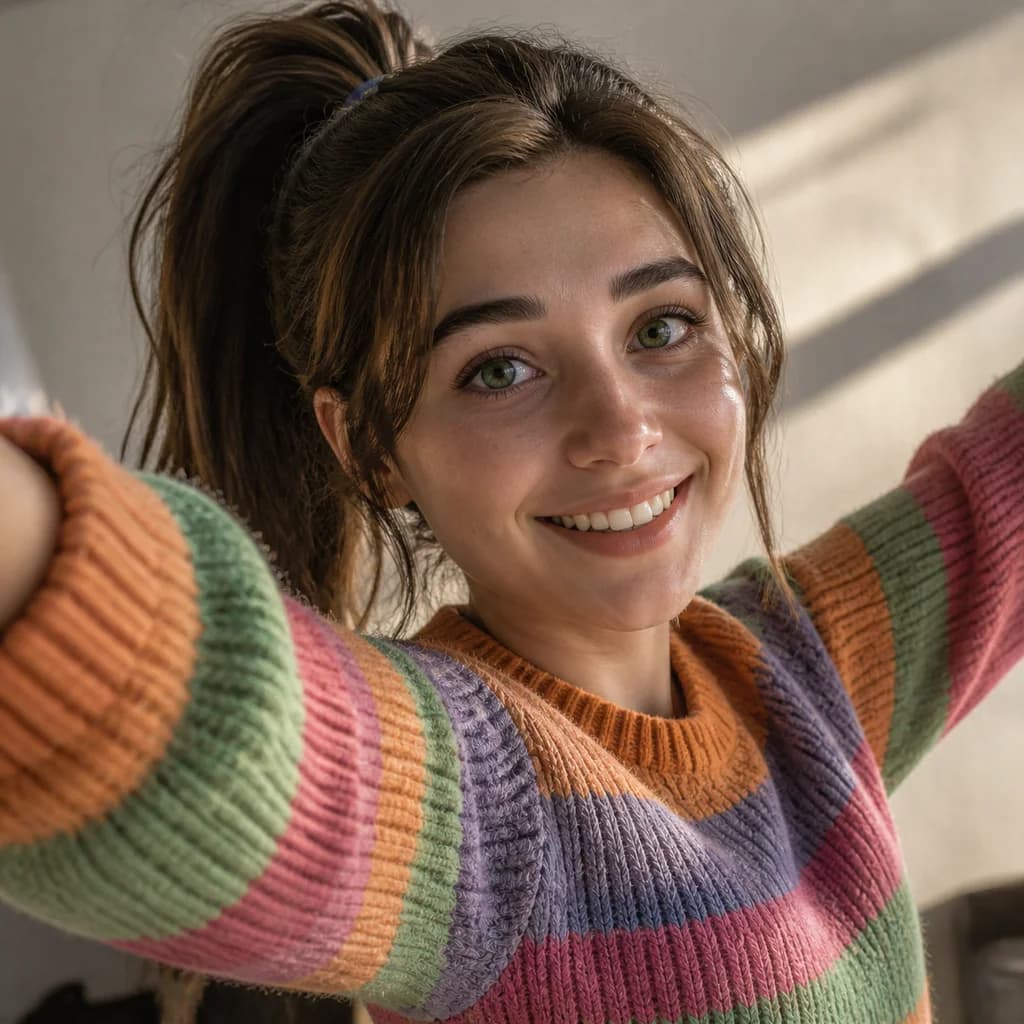 DRAWN → REAL
Cartoon to Realistic AI
Convert cartoons, anime and sketches into photoreal images that keep the character.
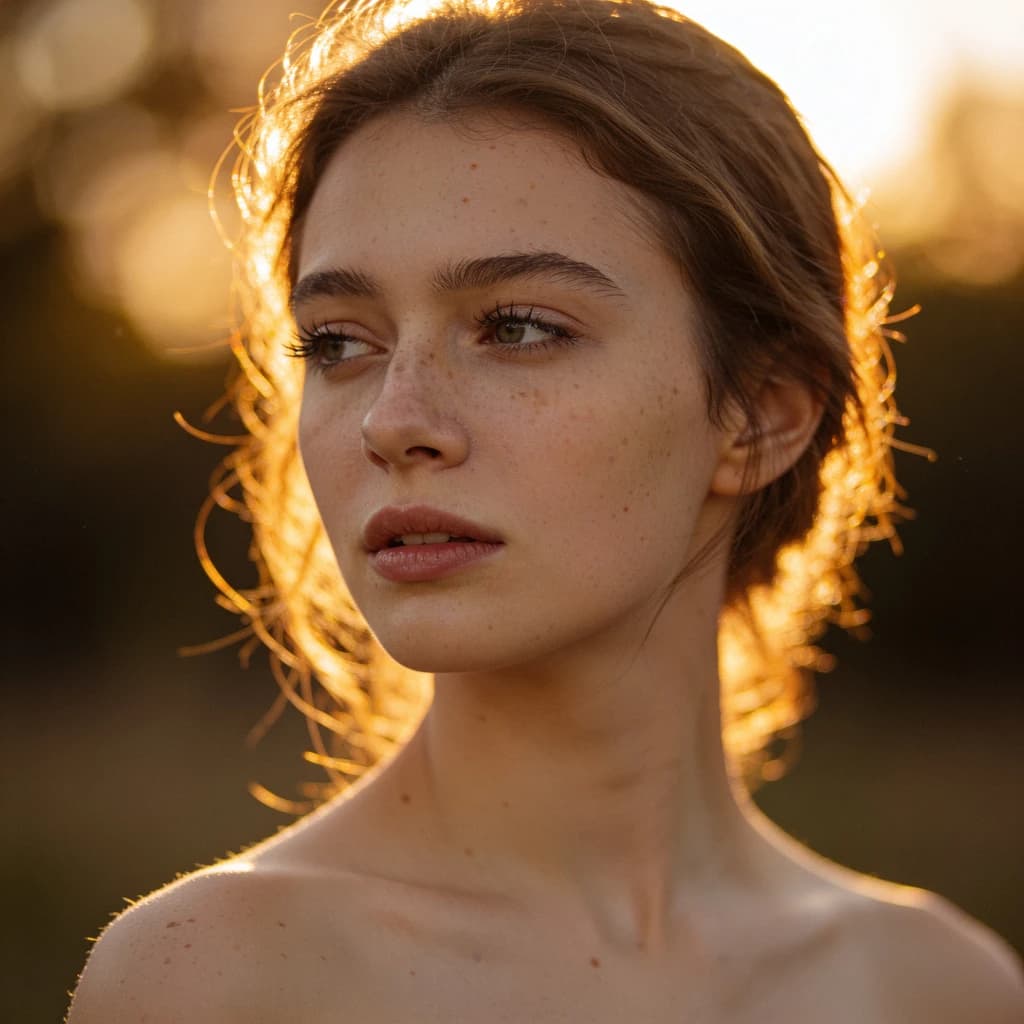 GENERATE
AI Image Generator
Text to image and image to image with Seedream 5, Flux 2, GPT Image and more.
Ready to lose the AI look?
Upload an AI image and get back a photograph people believe — real texture, real light, same subject. No software to install.
Free credits on sign-up · Keeps your subject intact · Commercial use allowed