FREE TOOL · AI DEVELOPED
AI Background Remover
One click isolates your subject — hair, fur and soft edges included — and hands you a clean transparent PNG. Perfect for product shots, portraits and thumbnails.
NEGATIVE → PRINT
Busy background in, clean cutout out
Real cutouts from the darkroom — notice the edge quality around hair and fine detail.
 Before
 After
After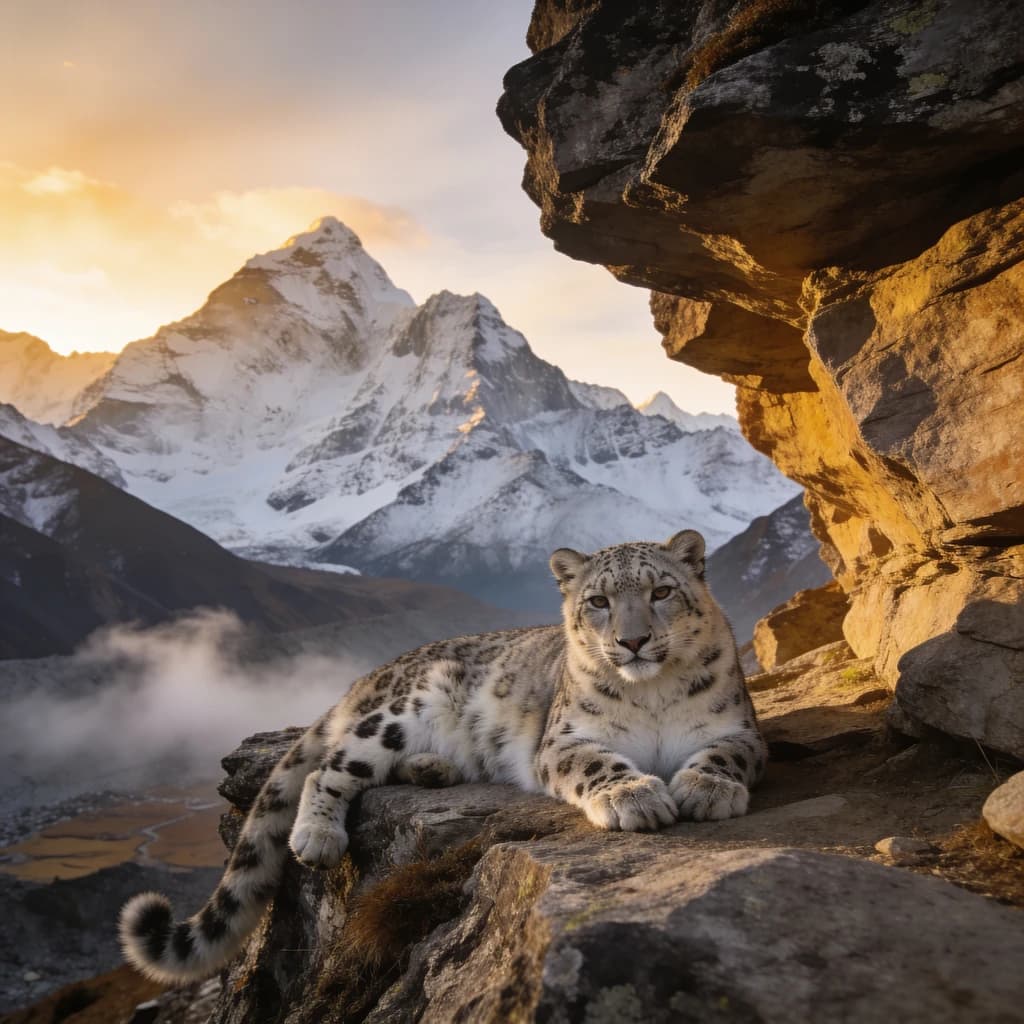 Before
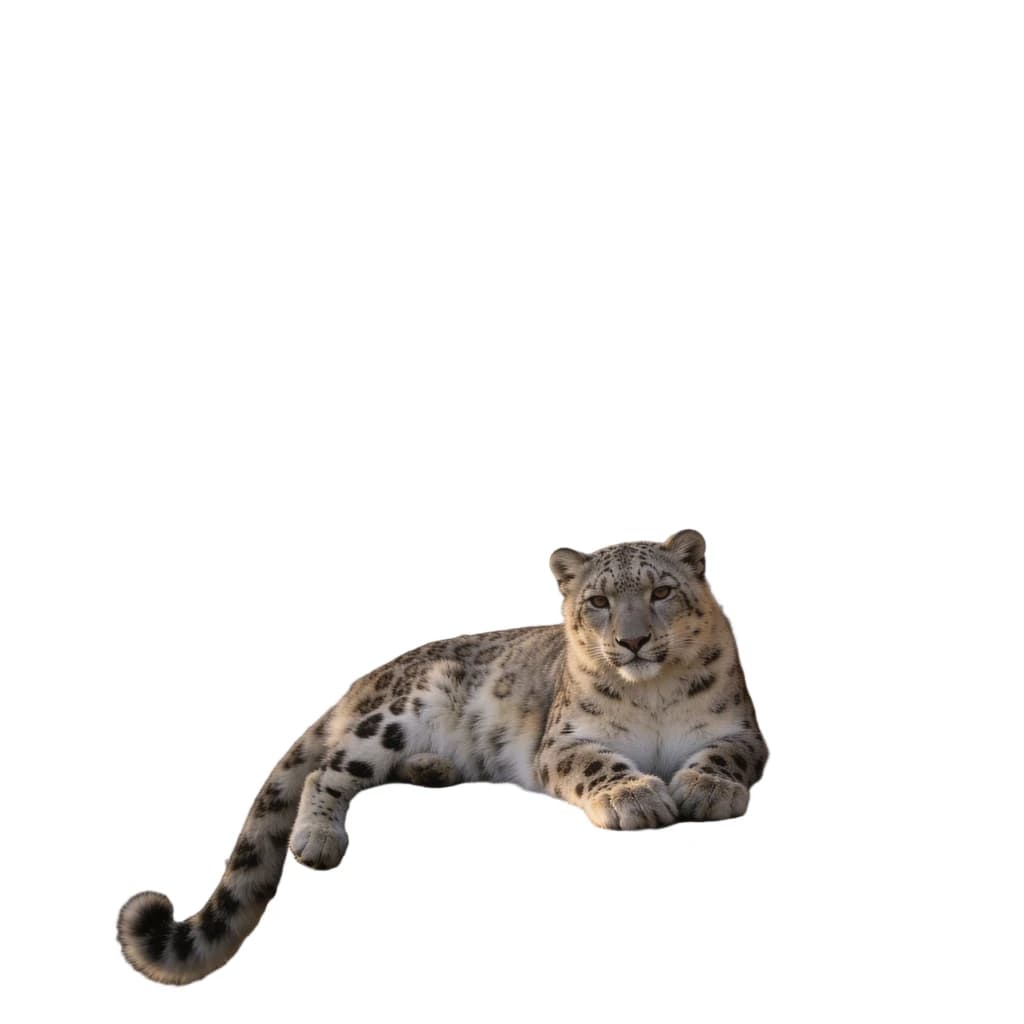 After
AfterDEVELOP PROCESS
How to remove a background with AI
01A
Upload your image
Product photos, portraits, pets — anything with a subject. JPG, PNG and WebP supported.
02A
AI cuts the subject
The model separates subject from background automatically, preserving hair strands and soft edges that manual tools miss.
03A
Download transparent PNG
Grab the cutout with full transparency, ready for design work, storefronts or a new backdrop.
FAQ
AI Background Remover Questions
Remove your first background free
Free credits on sign-up — clean cutouts in seconds, no watermark.
Free credits included