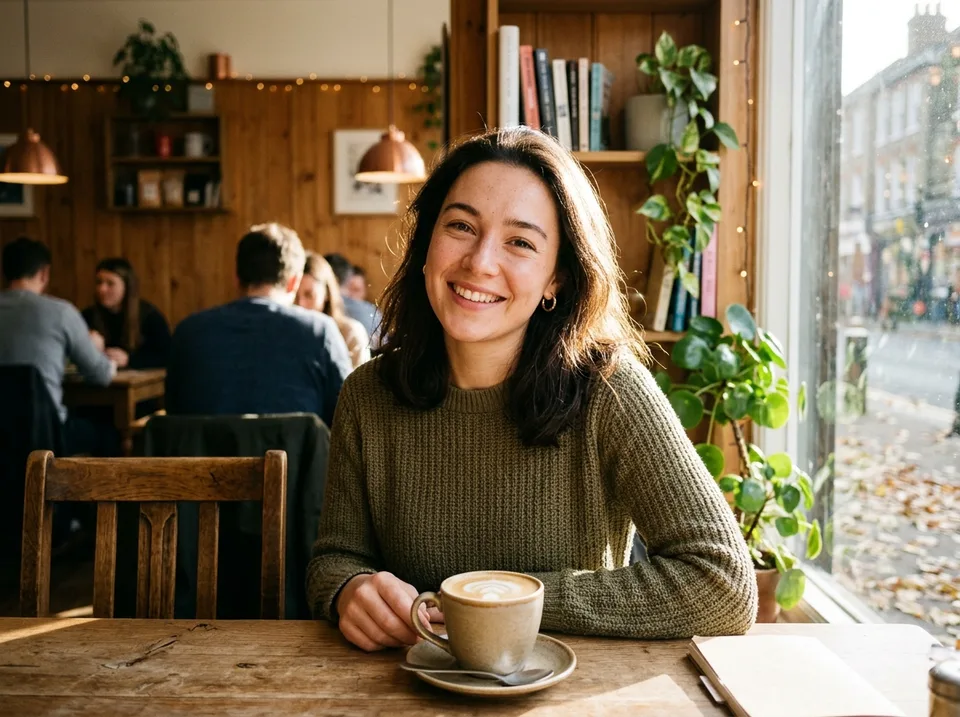
PORTRAIT · RELIGHT
Studio headshot from casual portrait
“Keep the exact same face and expression, change the background to a soft charcoal studio backdrop, switch outfit to a tailored navy blazer, subtle Rembrandt key light.”
DARKROOM EDITOR · MULTI-MODEL PROMPT EDITING
Upload a photo, type what should change, and compare before vs. after side by side. Powered by Seedream 5.5, Flux 3, Nano Banana 2.1 and GPT Image 2.6 — no masks or Photoshop layers needed.
Fast default editor — handles everyday retouching, background swaps and up to 10 reference photos at 1K/2K.
Seedream V5 Flash · 1K
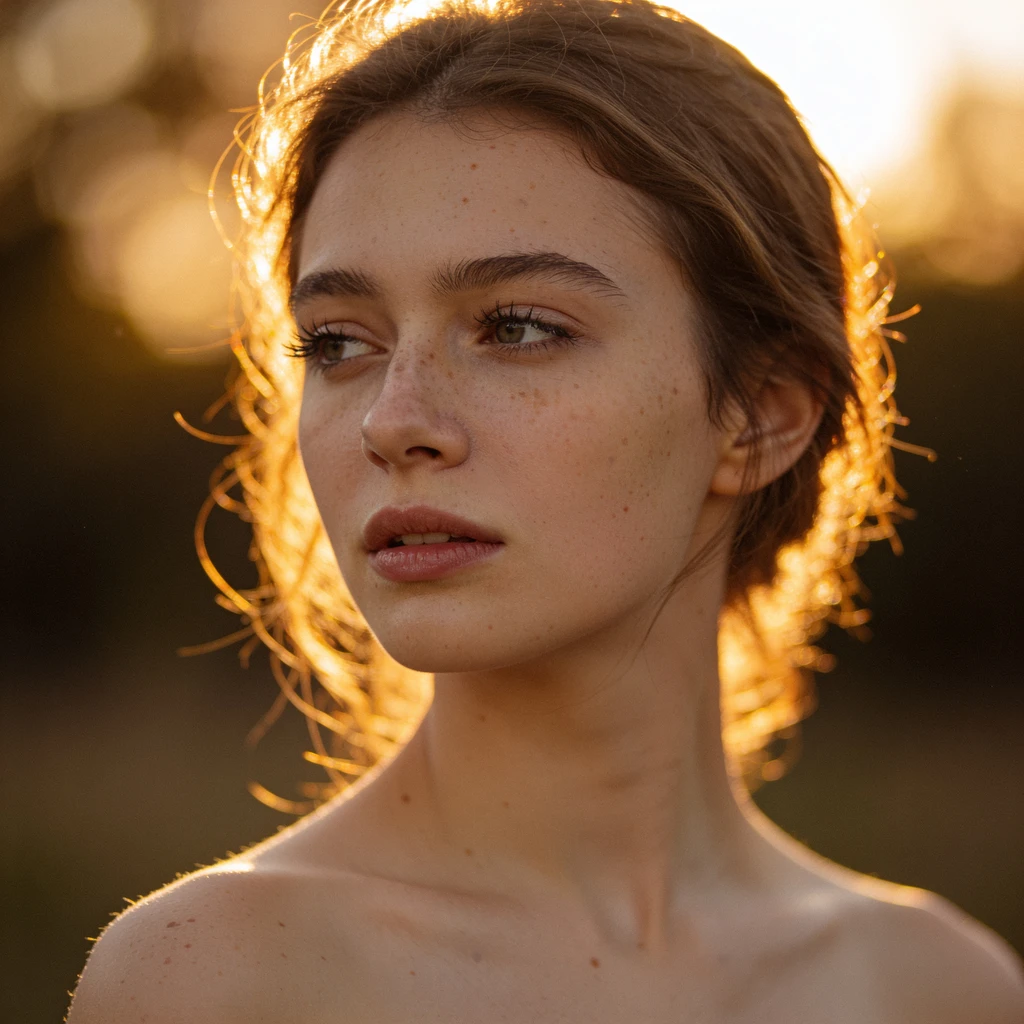
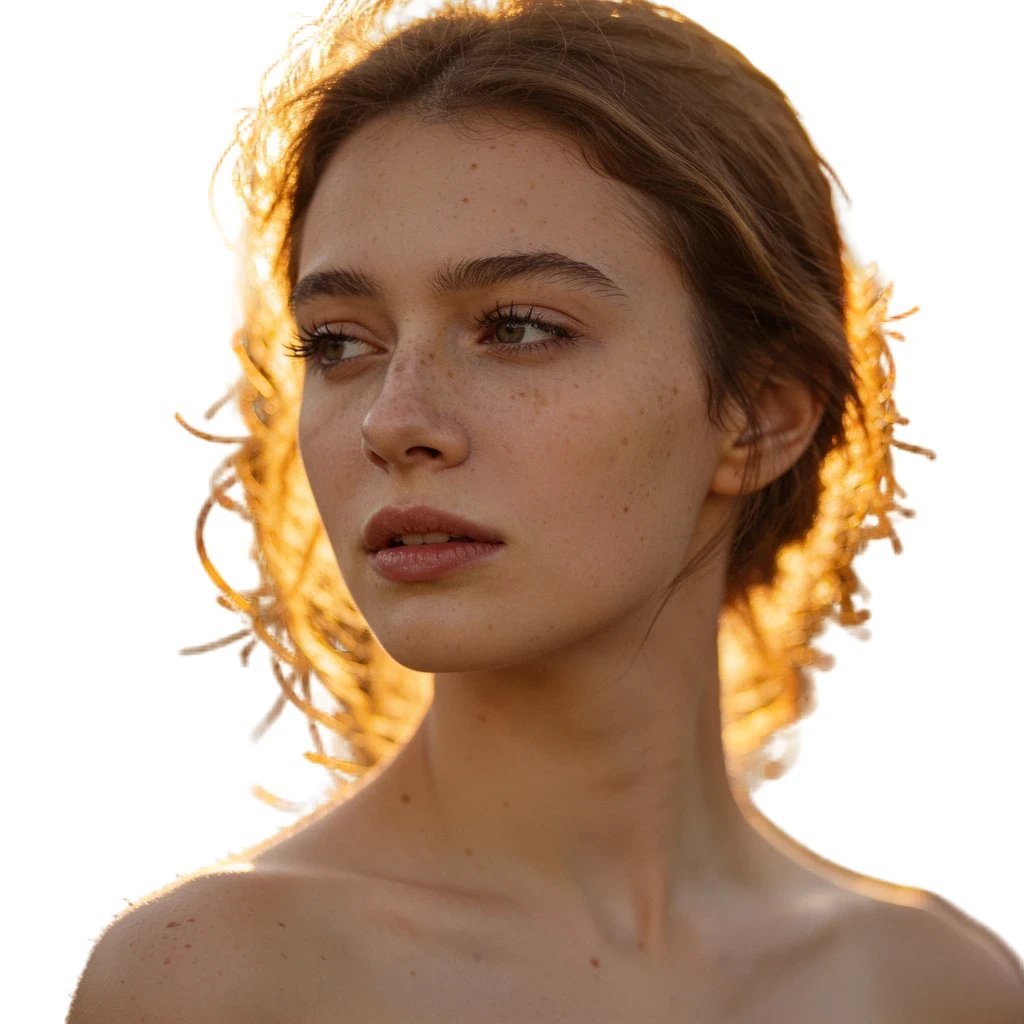
“Isolate the subject cleanly from the outdoor background onto a pure transparent canvas with crisp hair edges.”
BEFORE & AFTER · DRAG TO COMPARE
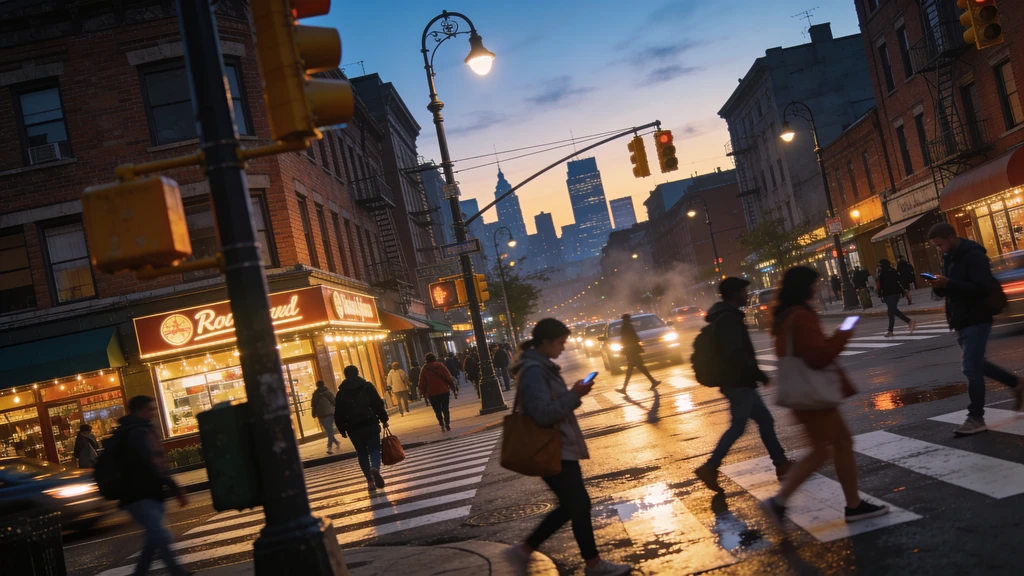
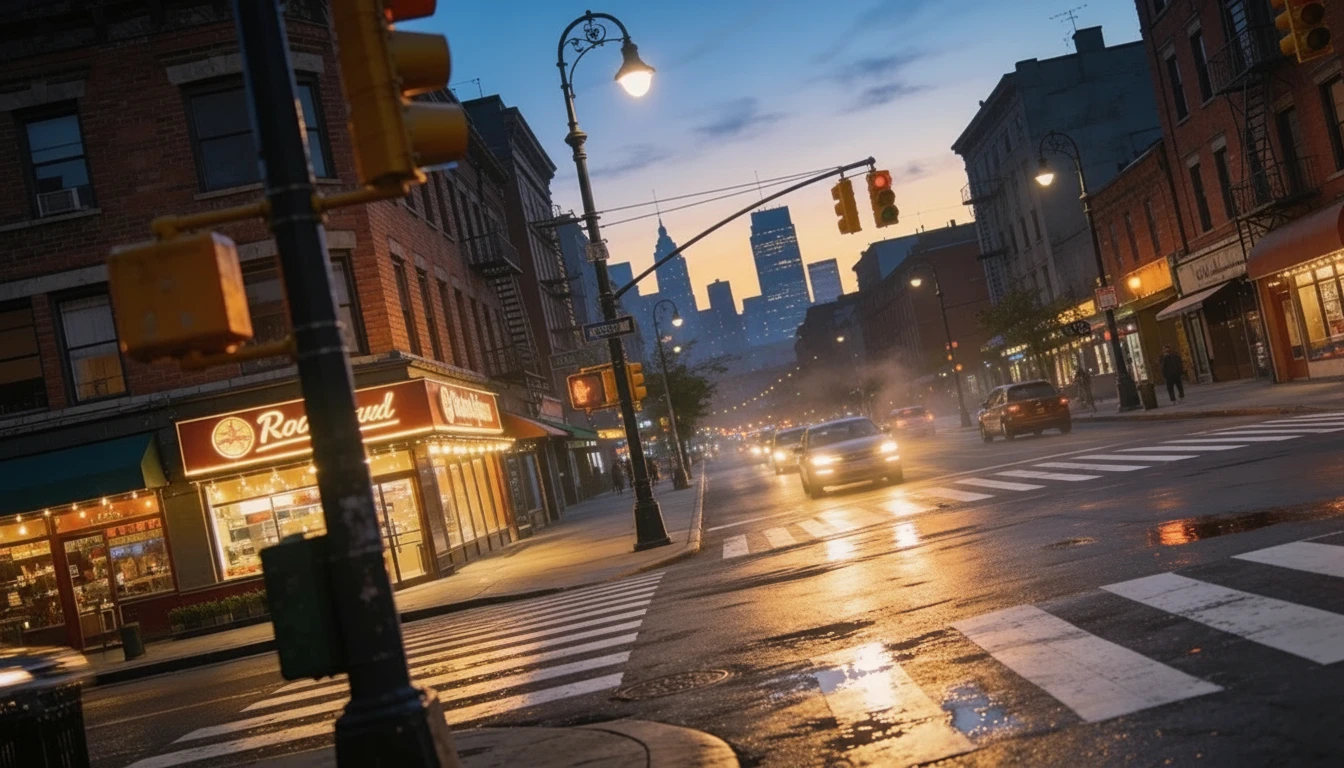
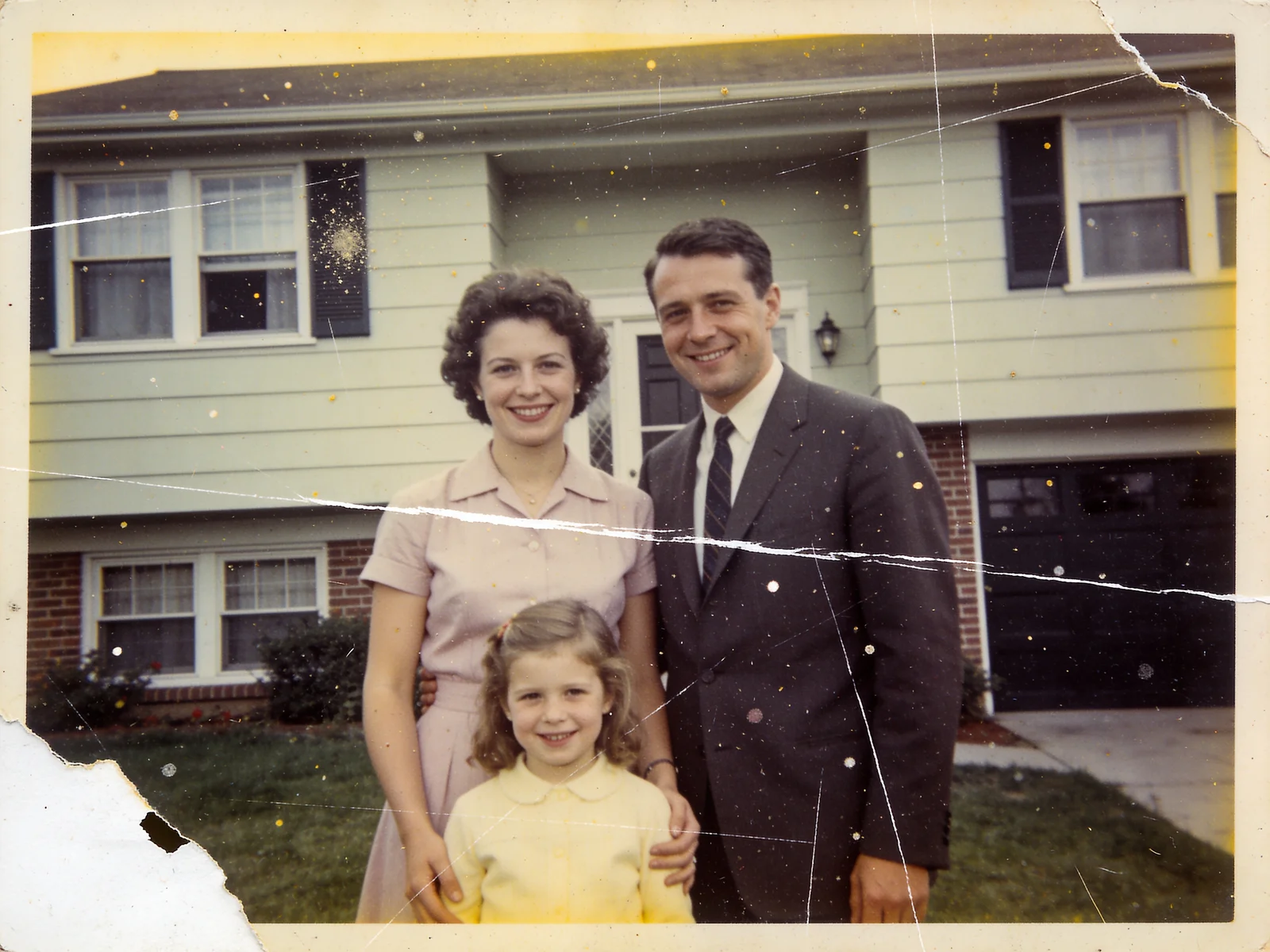
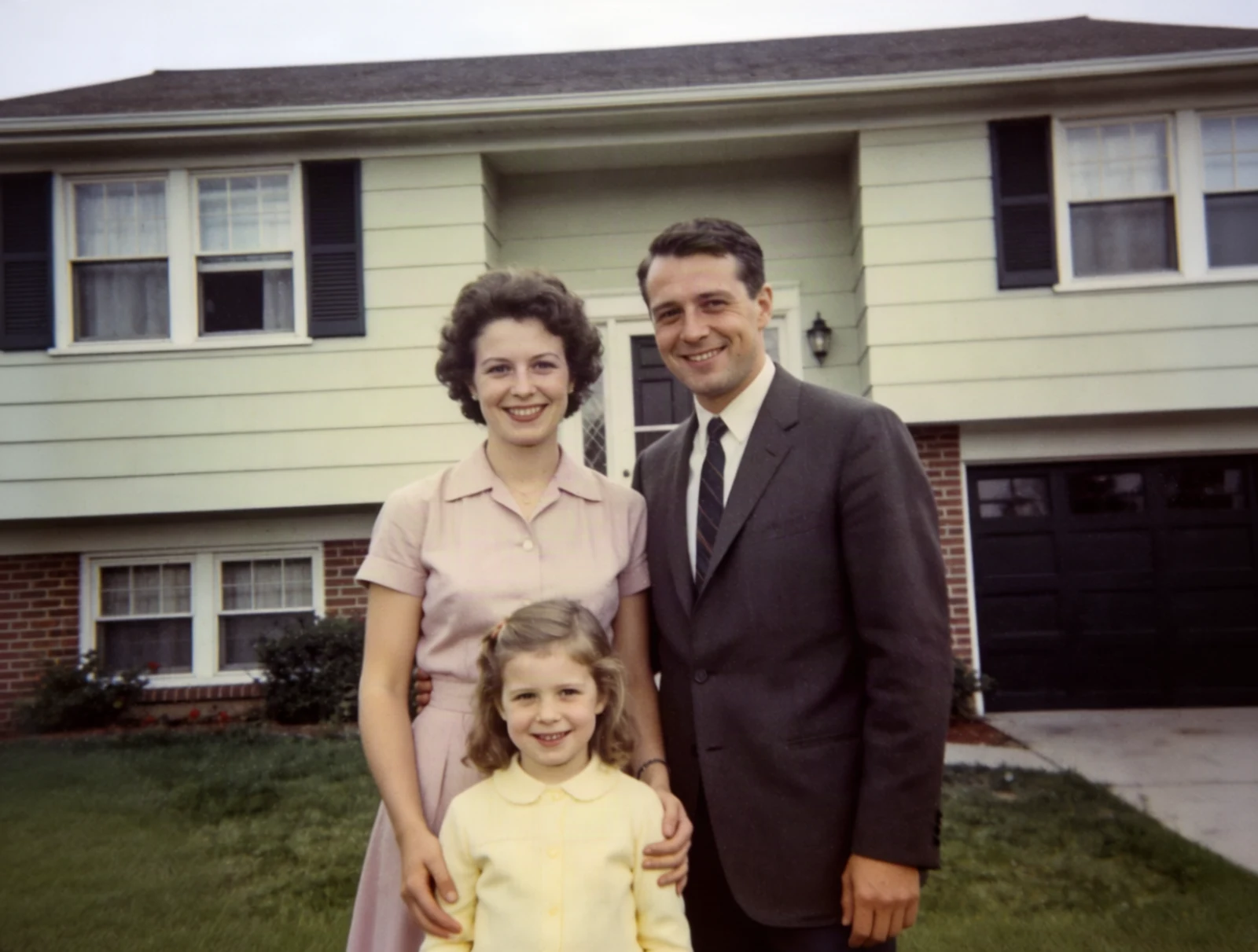
Compare untouched originals against AI-developed results. Slide left and right to check edges, skin texture and lighting.
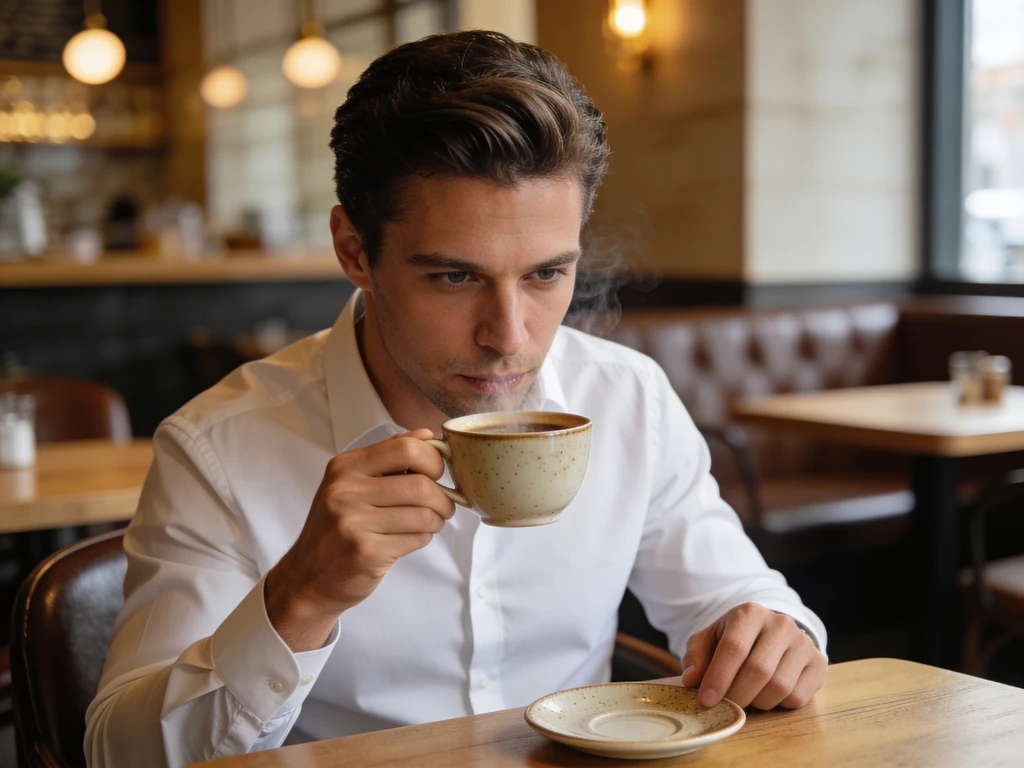
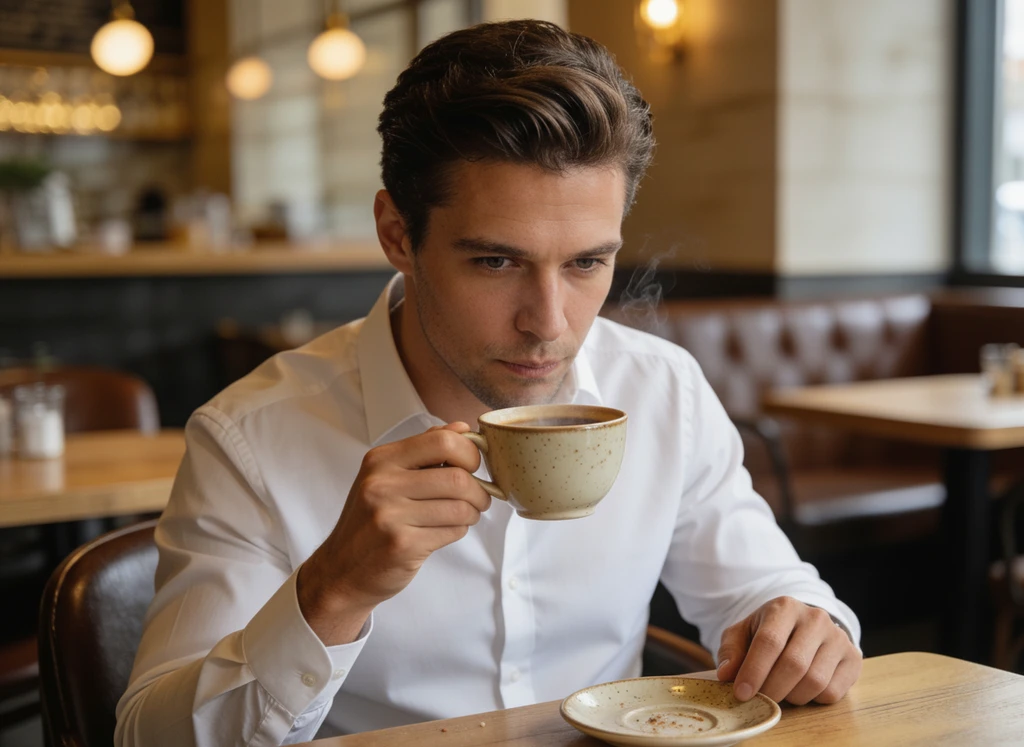
Prompt: “Remove the clutter from the wet street while keeping natural dusk shadows and lens bokeh intact.”
Prompt: “Restore real skin pores, natural eye catchlights and soft directional daylight without changing facial identity.”
Prompt: “Repair surface scratches and color fade while preserving authentic film texture and original expressions.”
EDITING STATIONS · ONE PROMPT
Skip tedious lasso selections and adjustment layers — describe the finished photograph you want.
Move portraits or products into sunlit studios, cafés, or outdoor locations with matched reflections and shadows.
Erase tourists, cables, glare or tabletop clutter without manual brushwork — the model rebuilds the scene behind it.
Turn flat indoor snapshots into golden-hour portraits, soft studio lighting, or authentic 35mm film stock.
Test wardrobe swaps, tidy flyaway hair, or adjust studio backdrops while preserving the exact person.
Update signs, labels, posters and book covers with GPT Image 2.6 or Seedream 5.5 while matching perspective.
Upload a subject plus reference props or scenes and reference them with @mentions inside a single prompt.
MODEL SPECS · 5 CURATED ENGINES
Five curated frontier models — switch per edit from a single credit balance depending on speed, references, or 4K output.
| Model | Best for | Max photos | Resolution | Credits |
|---|---|---|---|---|
 Seedream V5 FlashByteDance | Fast default editor — handles everyday retouching, background swaps and up to 10 reference photos at 1K/2K. | 10 | 1K · 2K | 10 / 14 cr |
 Nano Banana 2.1Google | Google's flagship editor — top subject & face consistency across outfits, angles and up to 4K resolution. | 8 | 1K · 2K · 4K | 16 / 24 / 40 cr |
| Seedream 5.5 EditByteDance · Pro | ByteDance Seedream 5.5 — locks untouched regions cleanly with photographic lighting and crisp multilingual text. | 4 | 1K · 2K | 12 / 20 cr |
 Flux 3 EditBlack Forest Labs · Pro | Black Forest Labs Flux 3 — frontier 4K texture fidelity and multi-image compositing with up to 10 references. | 10 | 1K · 2K · 4K | 10 / 40 / 160 cr |
 GPT Image 2.6OpenAI · Pro | OpenAI GPT Image 2.6 — follows long multi-step instructions, edits in-photo typography and logos accurately. | 4 | Match input | 24 cr |
PROMPT RECIPES · ONE-TAP LOAD
Click any recipe below to load both the sample photo and the exact editing prompt straight into the workbench.
“Keep the exact same face and expression, change the background to a soft charcoal studio backdrop, switch outfit to a tailored navy blazer, subtle Rembrandt key light.”
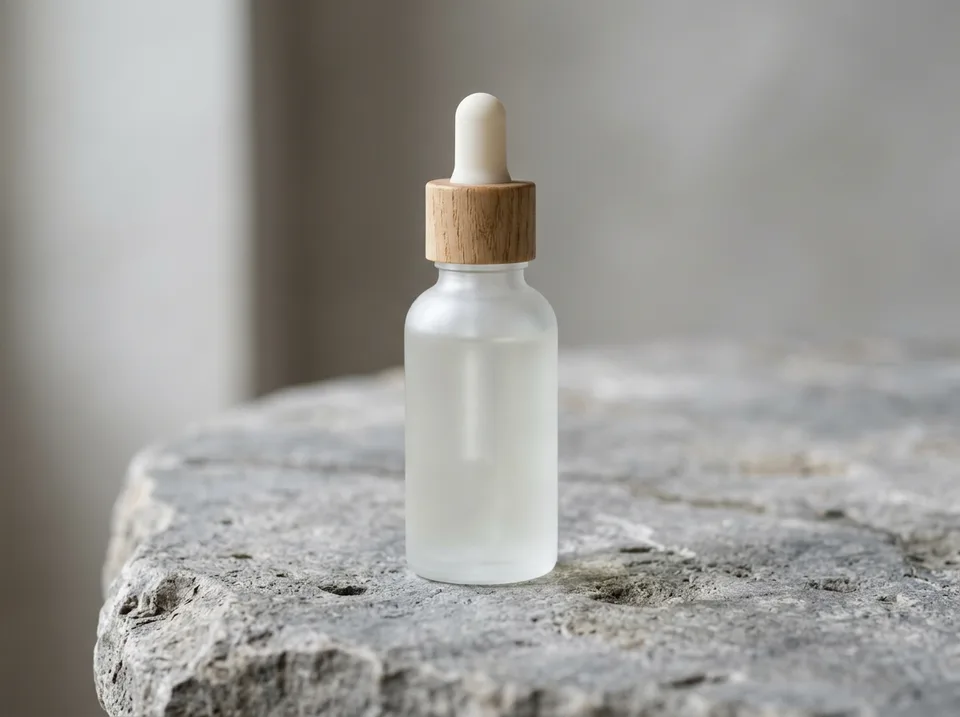
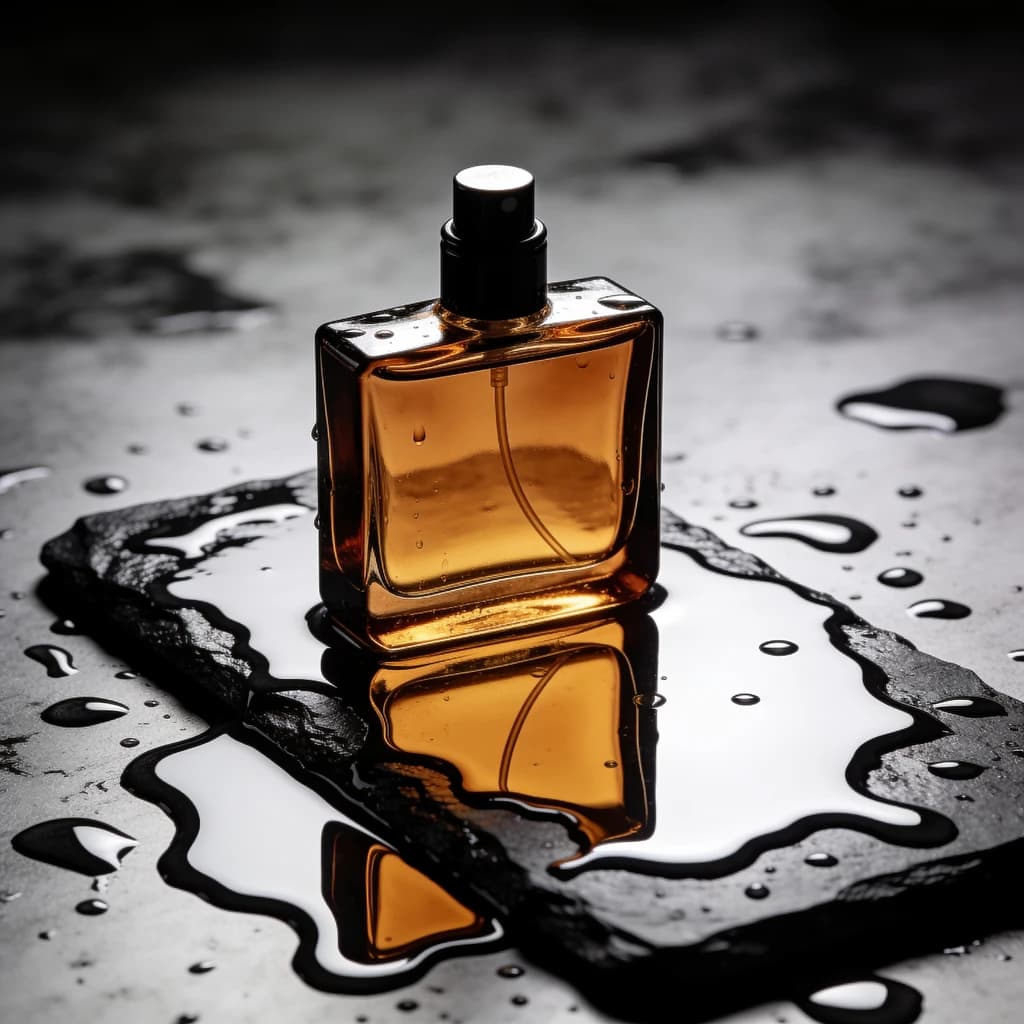
“Place this exact frosted glass serum bottle on sunlit warm travertine marble with soft morning window shadows and subtle botanical leaf shadow in the corner.”
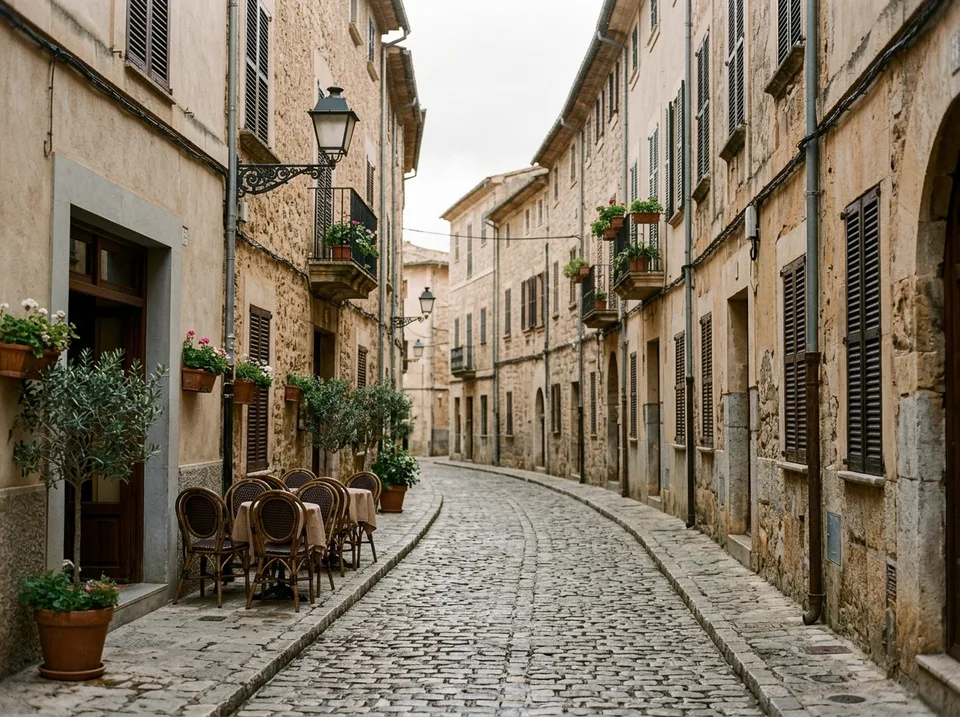
“Transform the lighting into blue-hour rainy twilight with warm amber streetlamp glow reflecting off wet pavement while keeping every building and figure unchanged.”

“Apply subtle Kodak Portra 400 film color grading with natural skin tones, gentle highlight roll-off and fine organic 35mm grain without altering facial features.”
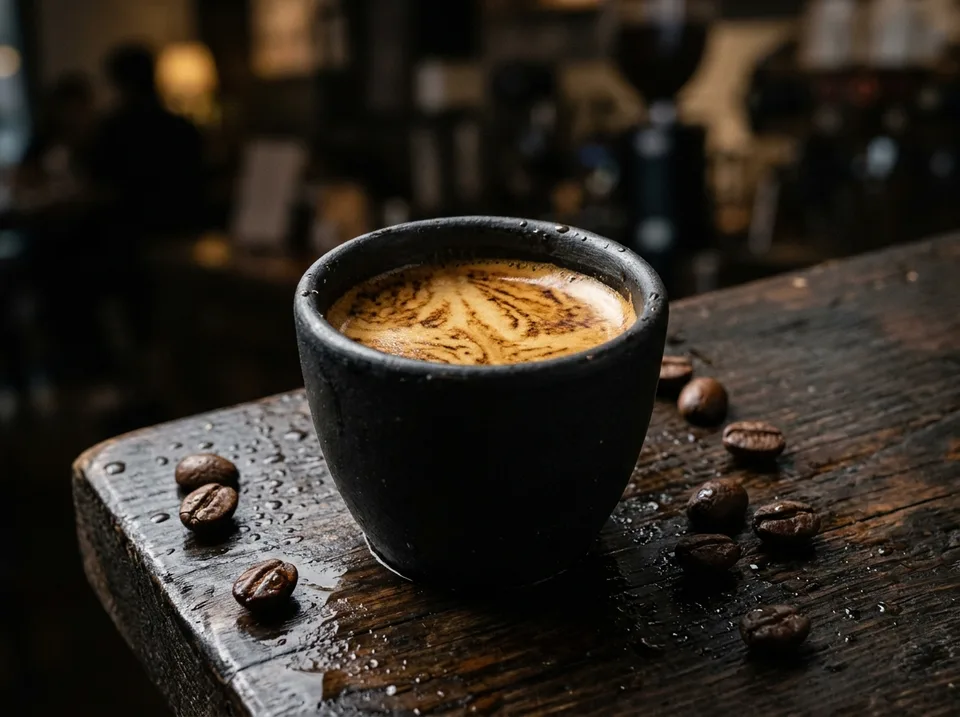
“Clean all coffee beans and water droplets off the counter, center the matte stoneware espresso cup on a pure matte off-white studio sweep with crisp natural contact shadow underneath.”
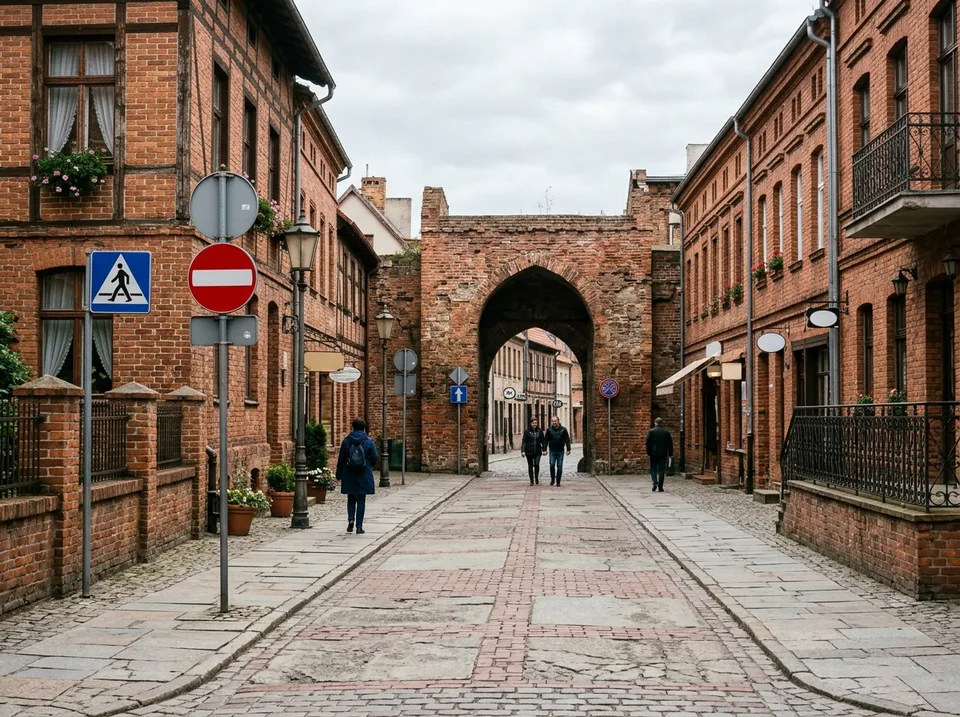
“Remove background bystanders and stray signs cleanly while preserving the architecture, street texture and natural overcast lighting.”
DEVELOP PROCESS
Drop, paste or browse up to 10 photos depending on the model — or click a sample photo to test immediately.
Write a plain instruction in any language, tap a quick-edit chip, or type @ to point at specific reference images.
Drag the before/after slider to inspect details, click Edit Again to chain another change, or download watermark-free.
TRANSPARENT LIMITS & PRIVACY
For crisp typography, brand labels or multi-step layout instructions, switch to GPT Image 2.6 or Seedream 5.5 — faster lanes can occasionally soften micro-text.
Rather than asking for five huge changes at once, run one clean edit and click Edit Again to stack the next adjustment while keeping identity locked.
Toggle Private before running to keep client or personal photos visible only to your account. All paid outputs include full commercial rights and zero watermarks.
OTHER STATIONS
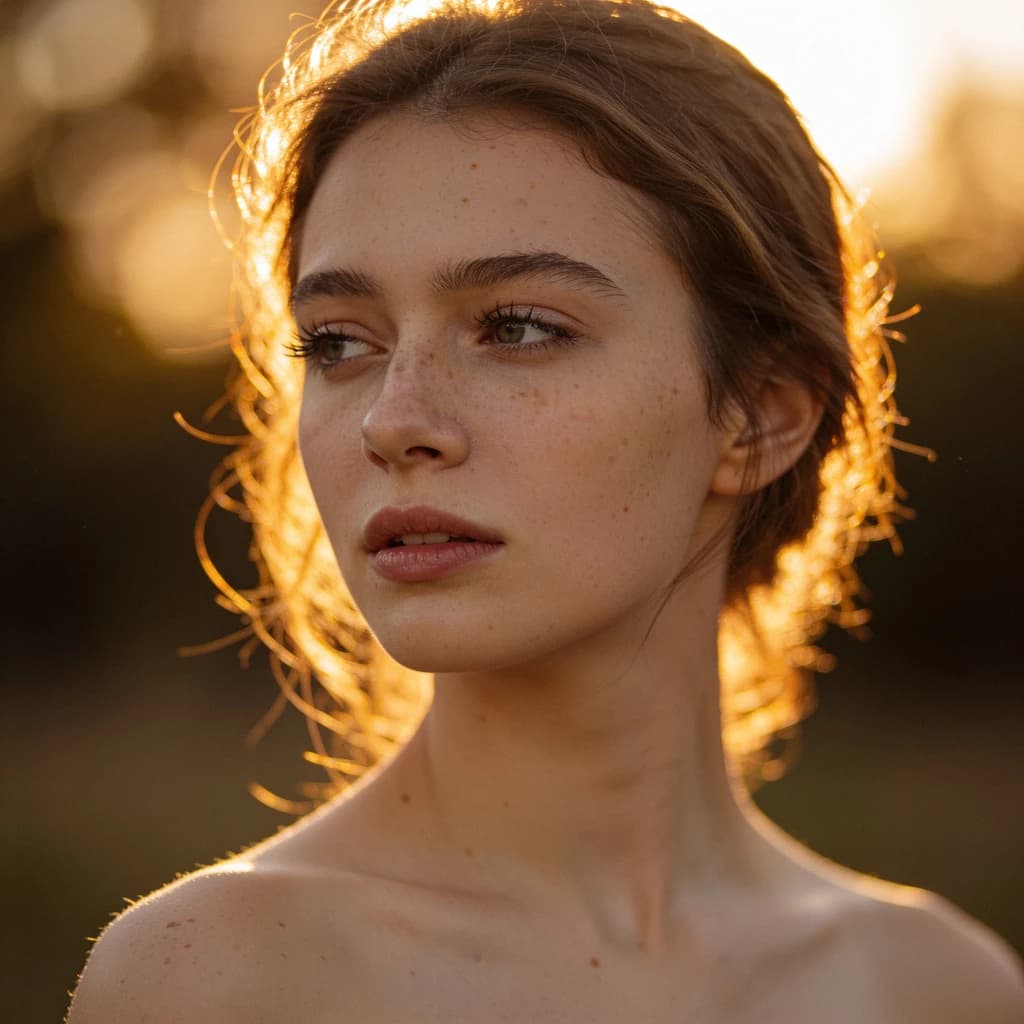 GENERATE
Text to image and image to image with Seedream 5.5, Flux 3, GPT Image 2.6, Nano Banana 2.1 and more.
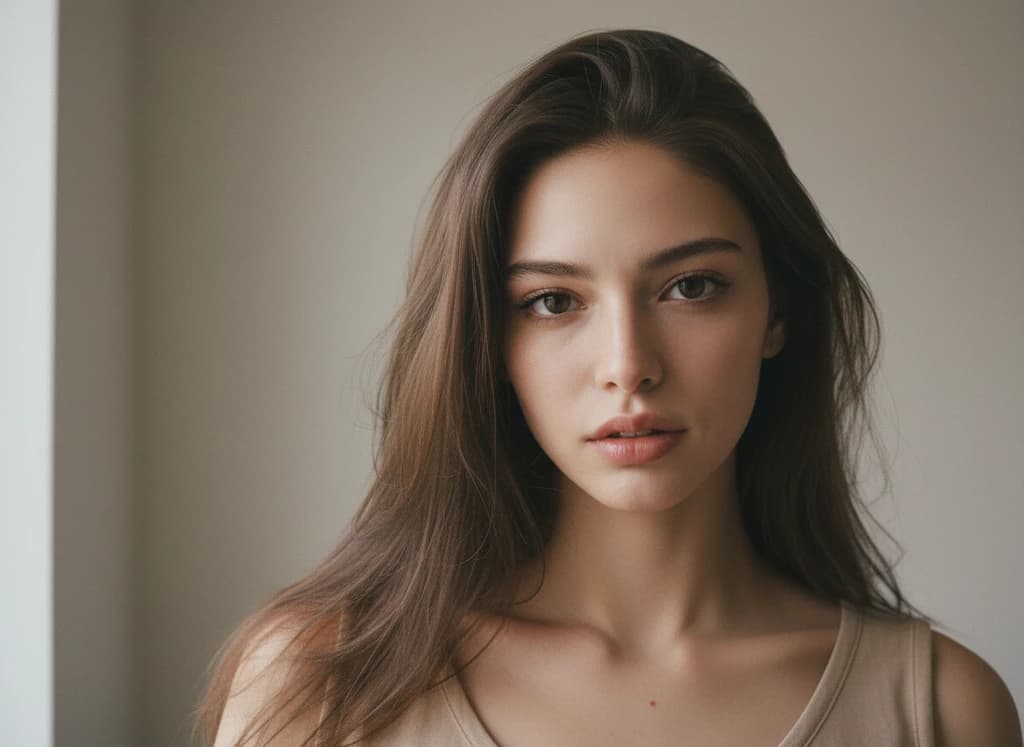 HUMANIZE
Turn glossy AI renders into photos that read as real — pores, grain, natural light.
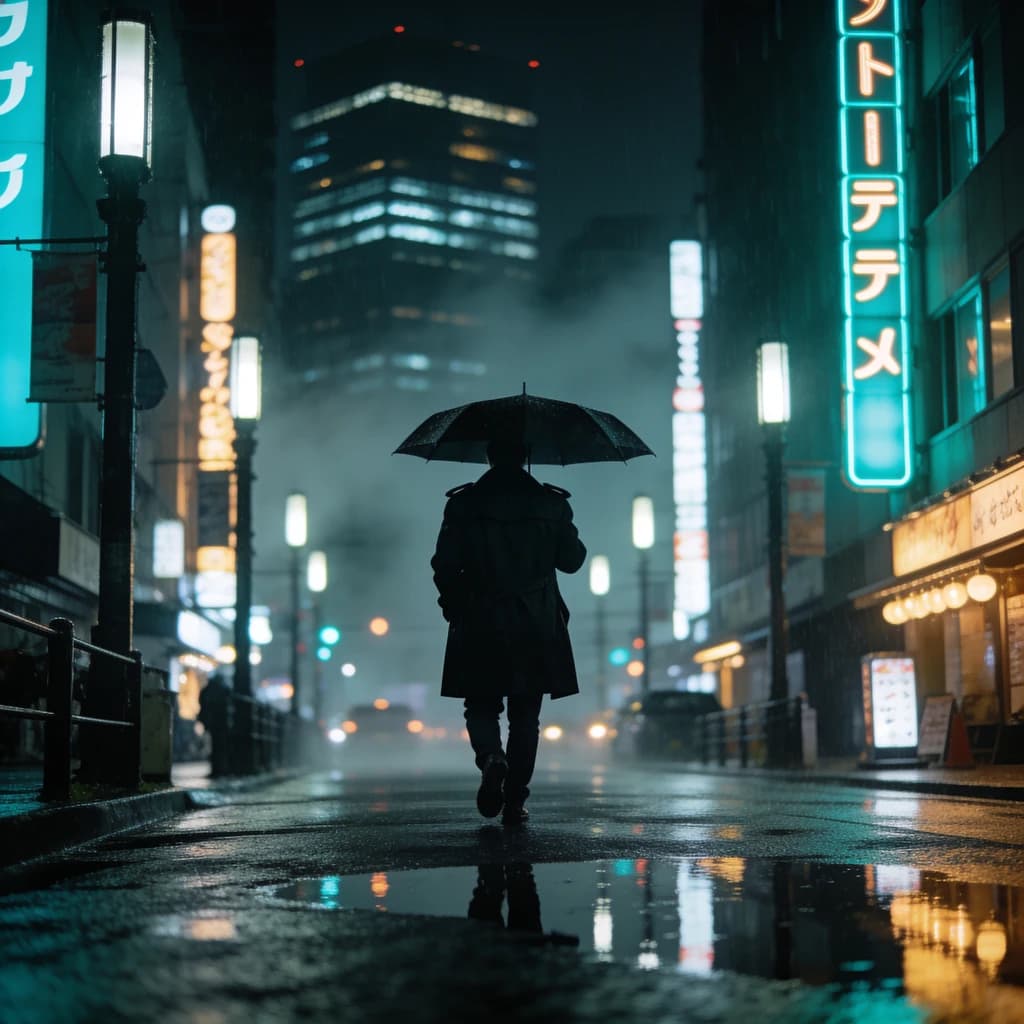 RETOUCH
Brush over anything unwanted and re-develop the area seamlessly.
 CUT OUT
Clean subject cutouts with transparent PNG export.
Upload any photo, describe the change in plain language, and compare before vs. after right in the darkroom.
50 free starter credits • 5 frontier edit engines • Watermark-free HD downloads